

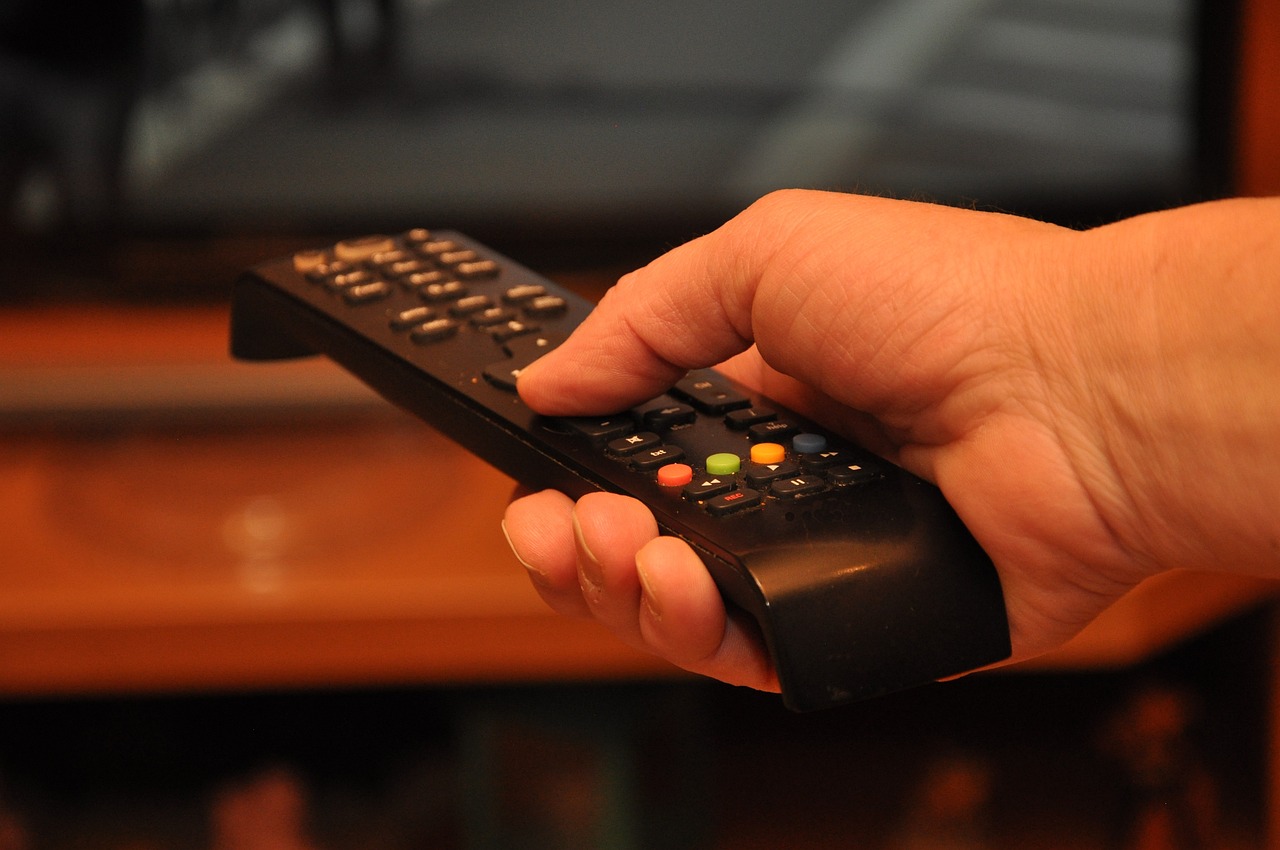
While much of the excitement around Auracast focuses on public spaces, the technology is equally transformational in the home. This guide looks at some of the ways the Bluetooth LE Audio technology can help everyday life.
Auracast on the TV
A common pain point in many households is the volume war – where one person needs the TV to be loud to hear the dialogue, while another finds it deafening. Auracast solves this by allowing the TV to broadcast a dedicated LE Audio stream.
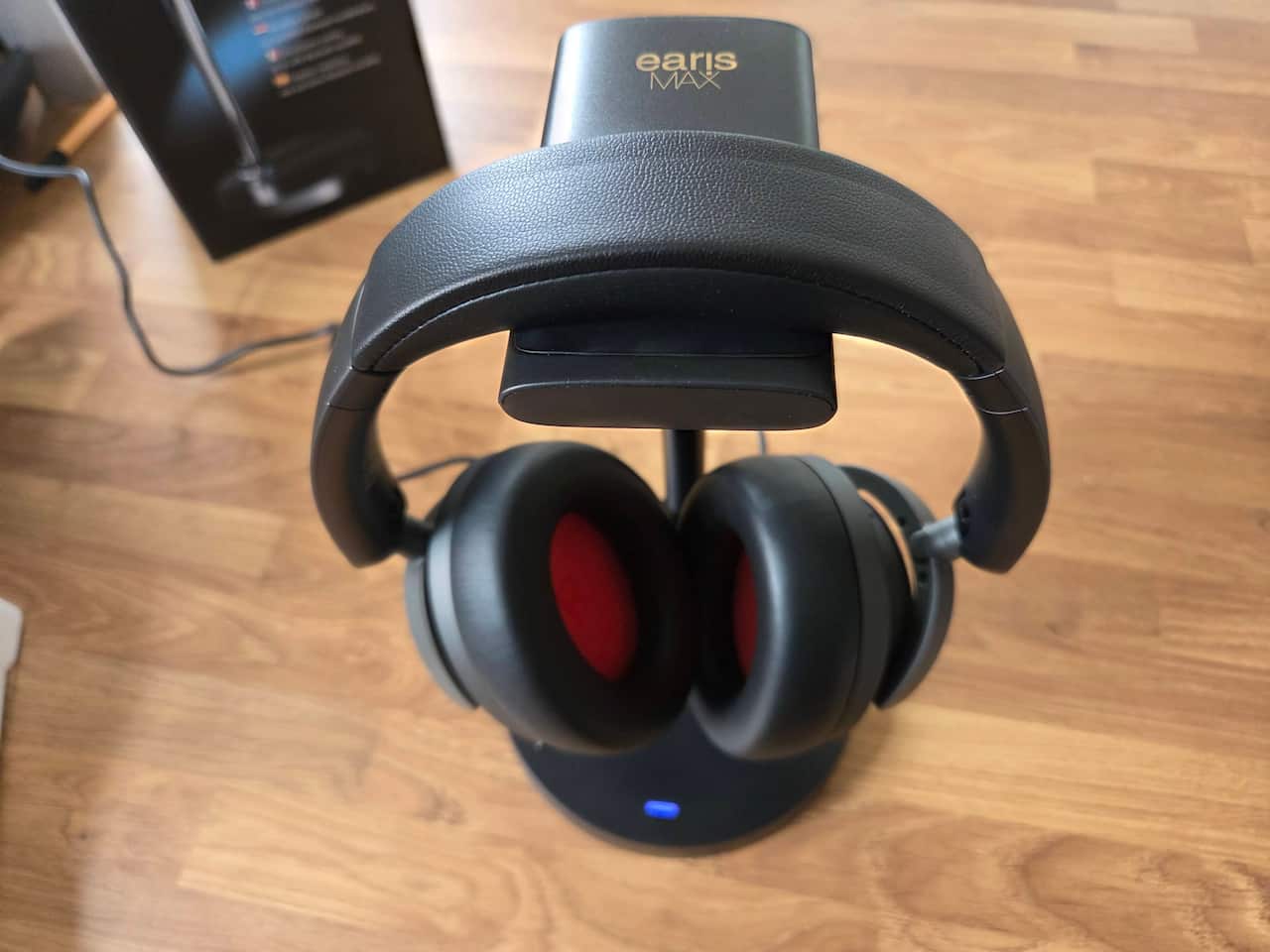
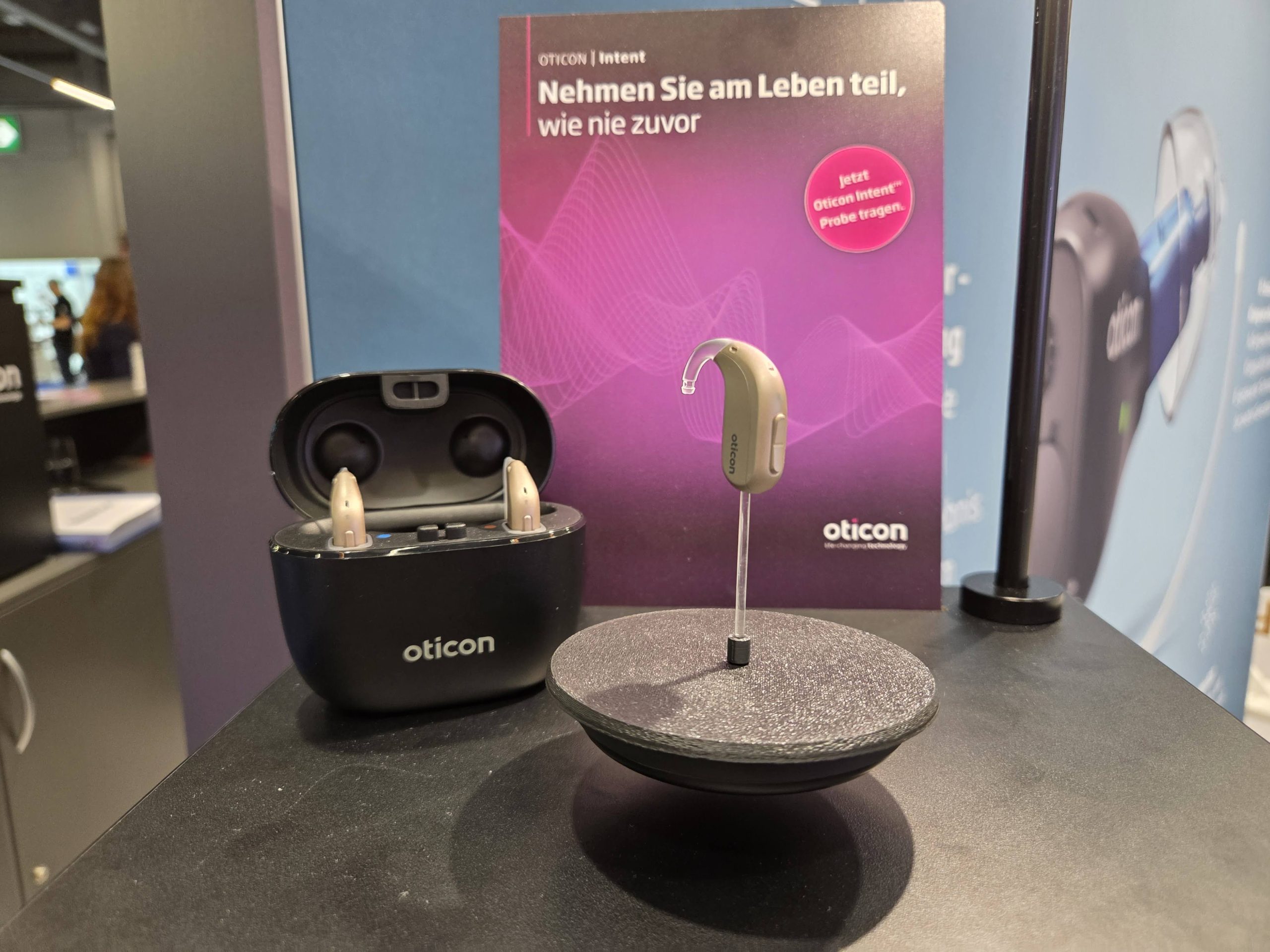
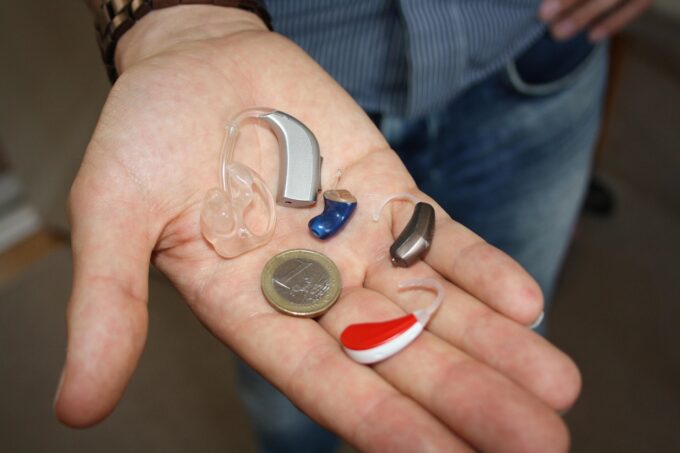
One person can listen via their hearing aids, a second via noise-canceling headphones, and a third can listen to the TV’s internal speakers, each with their own independent volume control.

Yes, Auracast operates separately to the television’s main volume control, so it’s possible to mute the set’s speakers completely and listen only via Auracast-enabled equipment. Every person listening to that Auracast can choose the volume that suits them, using the controls in their Auracast Assistant app. It’s easy, straightforward and will end the volume war.
Setting up an Auracast home system is becoming increasingly simple. Many 2025 and 2026 model TVs from Samsung, LG, and Panasonic come with Auracast broadcasting built-in.
We have a guide to available models here: Which TVs have Auracast in?
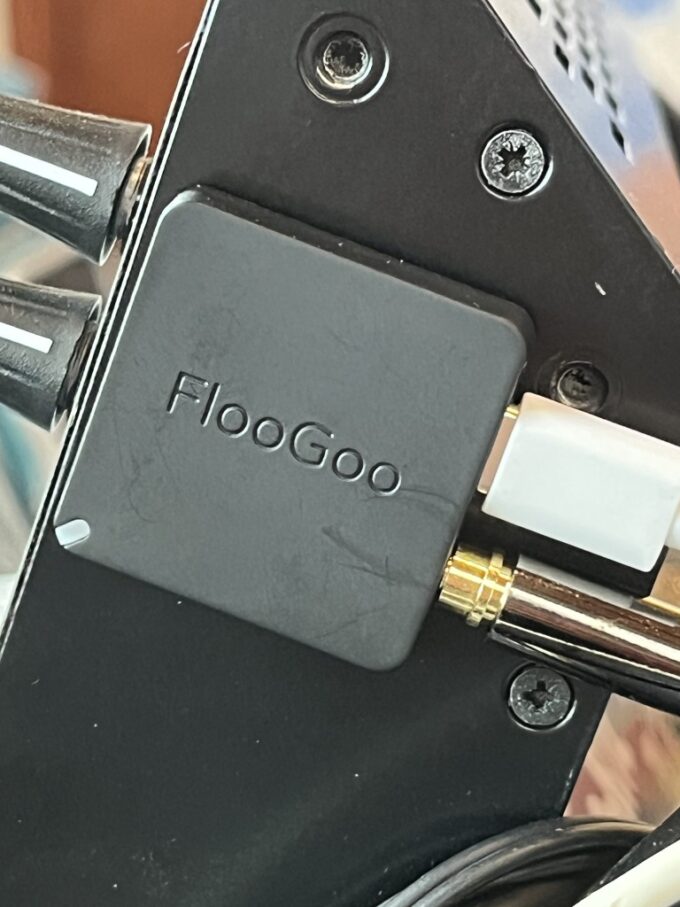
For those with older TVs, you can add this capability using a low-cost USB or HDMI-powered Auracast Transmitter – we call these Auracasters. These devices plug into the back of your TV and instantly turn your living room into a private broadcast zone.
Here is a link to one such example, the HomeSpot BA210.
This isn’t just for one or two people; you could host a silent movie night for as many people you can fit into your lounge, all wearing their own Bluetooth LE-compatible headphones or hearing aids, with perfect lip-sync and no wires … and no noise to annoy neighbours with,
Just a note on that lip-sync: sometimes the audio can be out of sync with the pictures. This is known as latency, and many devices allow the user to adjust this latency, matching the picture with the audio. It may take some trial and error, but once it’s fixed it will ensure that perfect match.
Auracast and computers
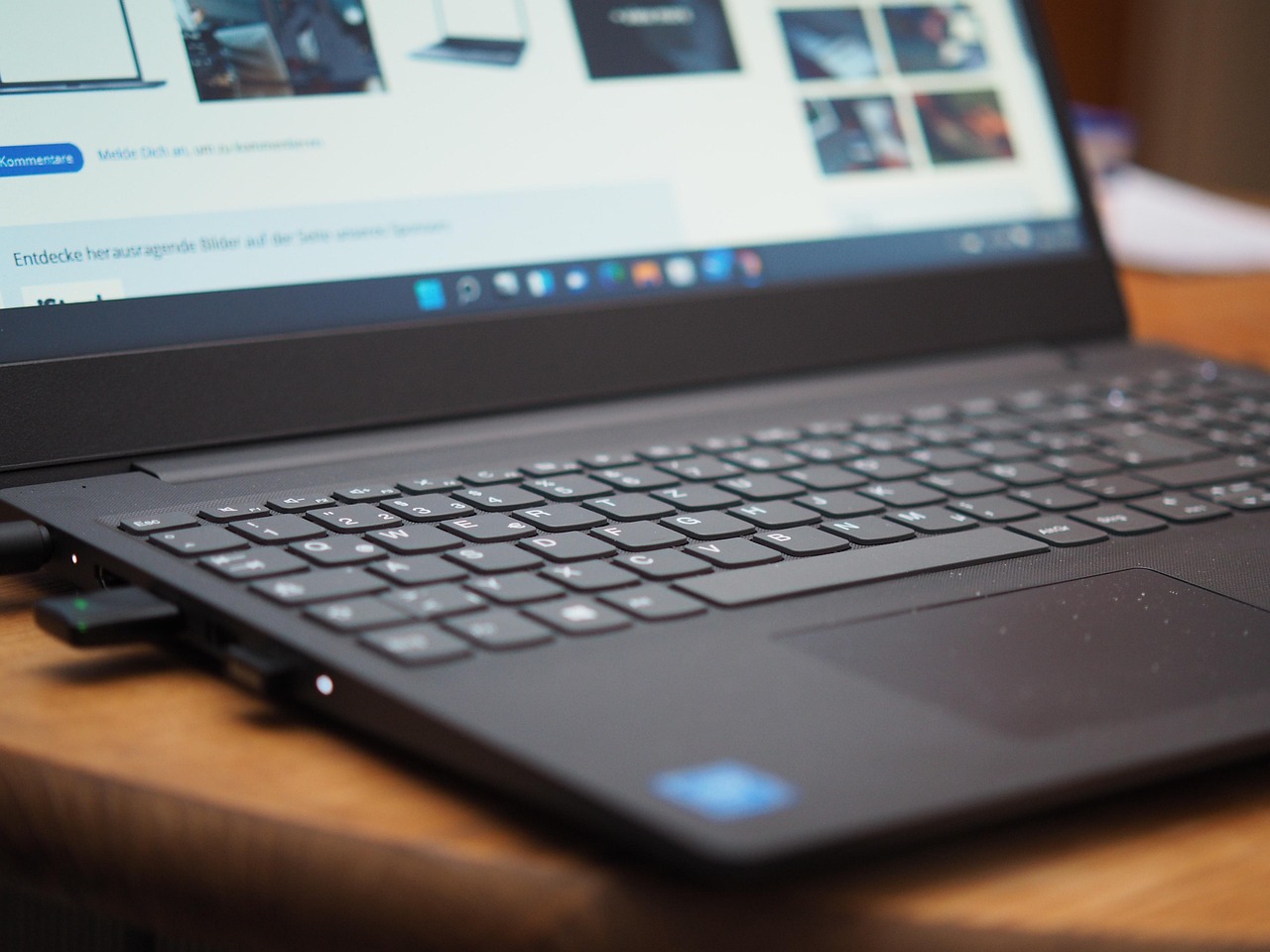
Auracast can also be used in computers and gaming. With the latest Windows 11 updates now starting to arrive, compatible PCs can now share audio with multiple Bluetooth devices simultaneously.
This is perfect for parents who want to watch a video with a child on a laptop without disturbing others, or for gamers who want to stream their audio to a friend sitting next to them. Because LE Audio uses the LC3 codec, the latency is low enough that there is no noticeable delay between the action on the screen and the sound in your ears, a major improvement over Classic Bluetooth.
For our guide to find out if your Windows 11 laptop has Bluetooth LE Audio functionality, click here.
The home of 2026 also includes Auracast-enabled speakers.
Auracast for hi-fis and audio equipment
You can now link an unlimited number of speakers across different rooms without a complex Wi-Fi setup. By pressing a dedicated broadcast button on a primary speaker (like those found on recent JBL or Soundcore models), every other Auracast-capable speaker in the house can pick up the same music.
This creates a seamless “whole-home audio” experience that is easier to set up and more stable than traditional multi-room systems, all while maintaining the high-fidelity sound that music lovers demand.
And there is more Auracast coming …
With small microphones already available, it’s possible for those who need help hearing in everyday life to get some assistance. For example, when on car journeys or country walks it’s possible to mic up for conversations with real clarity.
In the future, it will be possible to get Auracast-enabled doorbells and intercoms to make it easier for the caller and the homeowner to hear.
And we’re sure there will be some other Auracast-enabled gadgets coming to the home to make life easier … a talking toaster? A washing machine that lets you know when it’s finished?

Aurahear in your inbox!













Leave a comment