

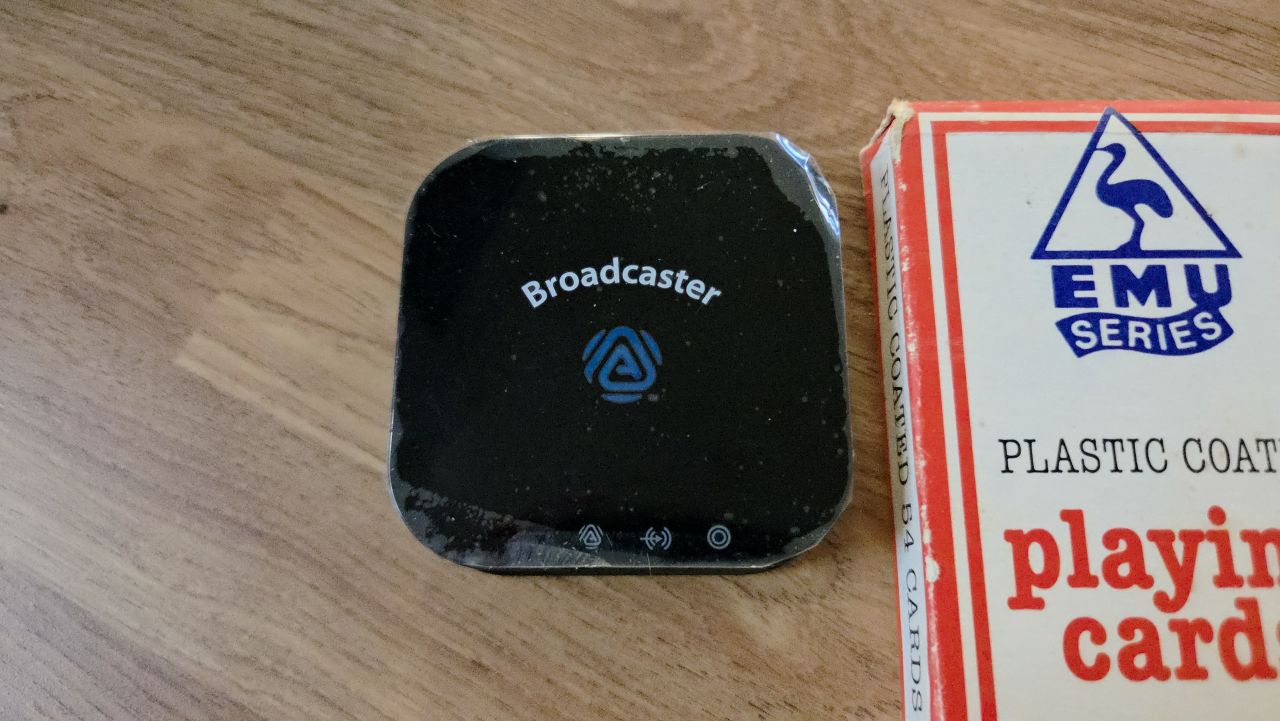
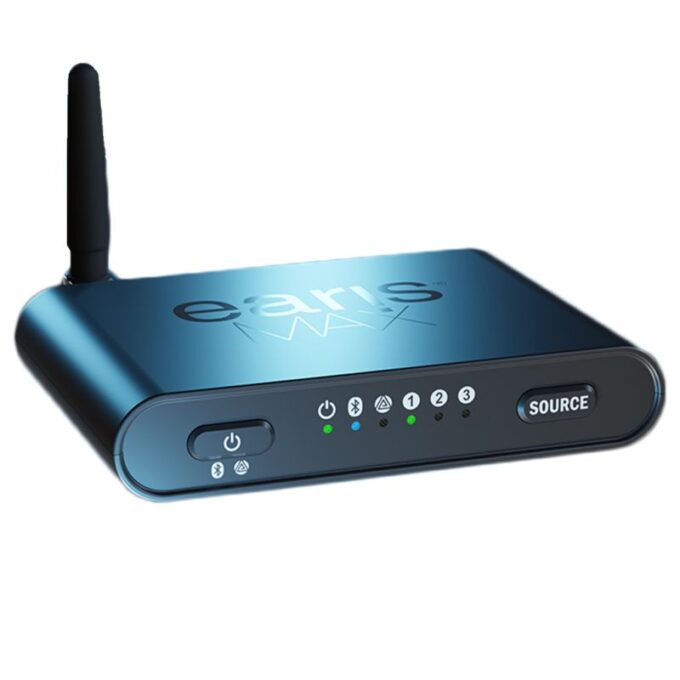
The HomeSpot BA210 is one of the first Auracast-enabled transmitters that will plug into televisions.
Smaller than a pack of playing cards, this little box is full of magic, and there are no tricks here: it is plug and play, and it just works … with some caveats.
Currently unavailable in the UK, our review sample was ordered via Amazon US (not an affiliate link) and cost around £50. The exact price will vary according to the exchange rates and any tariffs being charged at that moment in time.

Be careful to ensure you order the correct HomeSpot – it must say Broadcaster to be an Auracaster, rather than an Auracast receiver. Get this wrong and your television/laptop/phone cannot send out an Auracast signal for people to pick up, and this is a rather crucial difference.
Because the device will be coming from overseas, delivery time will vary, and ours took just over a week to arrive.
Everything here is small.
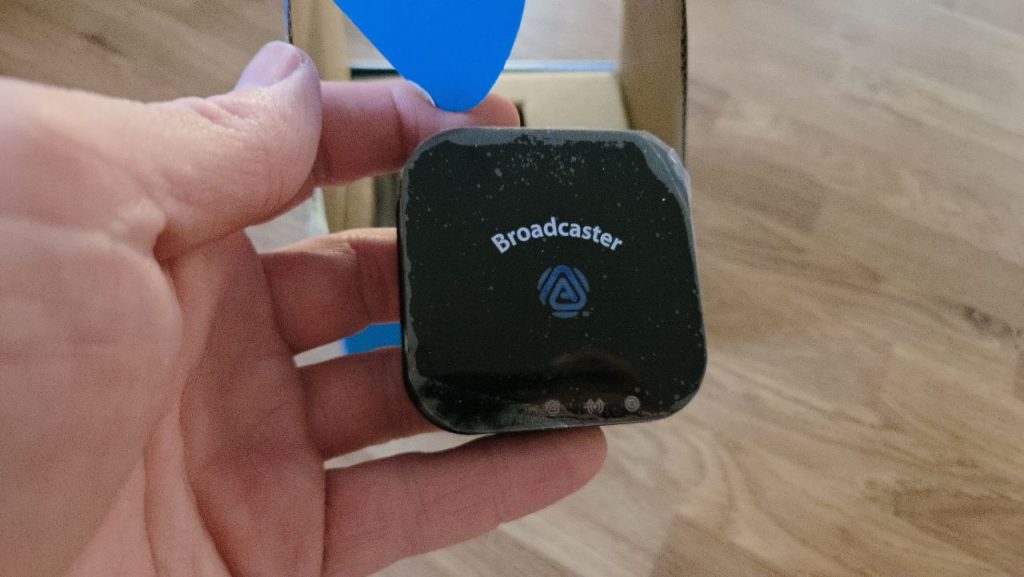
For starters, the box it comes in is compact: all the cables have been neatly packed away in an ingenious space-saving array. There is a plug, but it is for the US market and not a three-pin. The Auracaster box relies on a 5A USB-C power supply, and most mobile phone plugs will be that voltage, so this shouldn’t be an issue. Check before putting the cable in the box, as a fried HomeSpot doesn’t have the heft to become a paperweight.
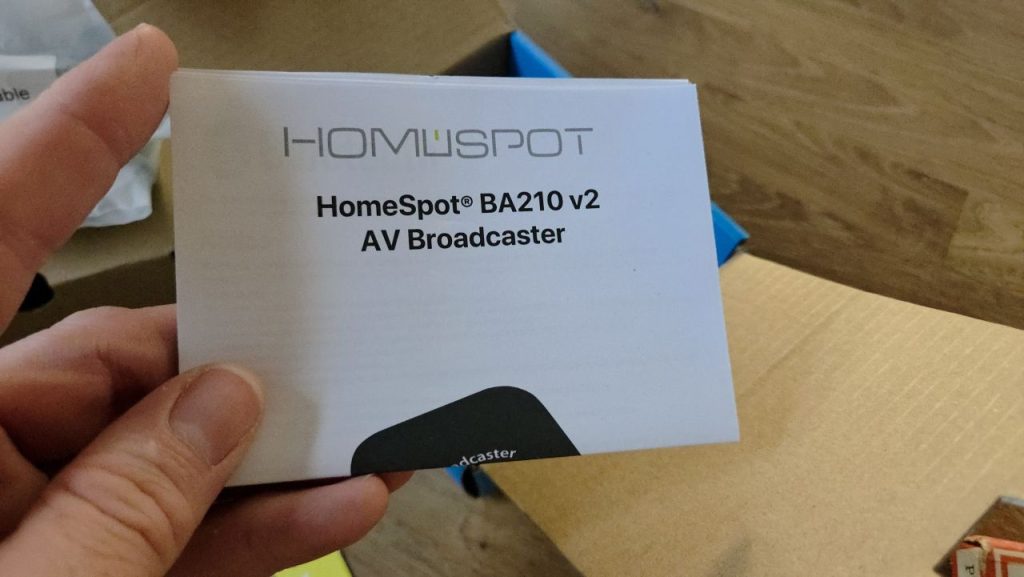
The instructions are compact and buried at the back of the box. They are fairly clear, with good diagrams while there is a double-sided card at the top of the Homsport BA210’s box detailing the button presses needed to convert the Bluetooth transmitter into an Auracast transmitter. At the bottom of the box there is a small instruction manual that details how to connect the HomeSpot BA210 to a television or other audio device.
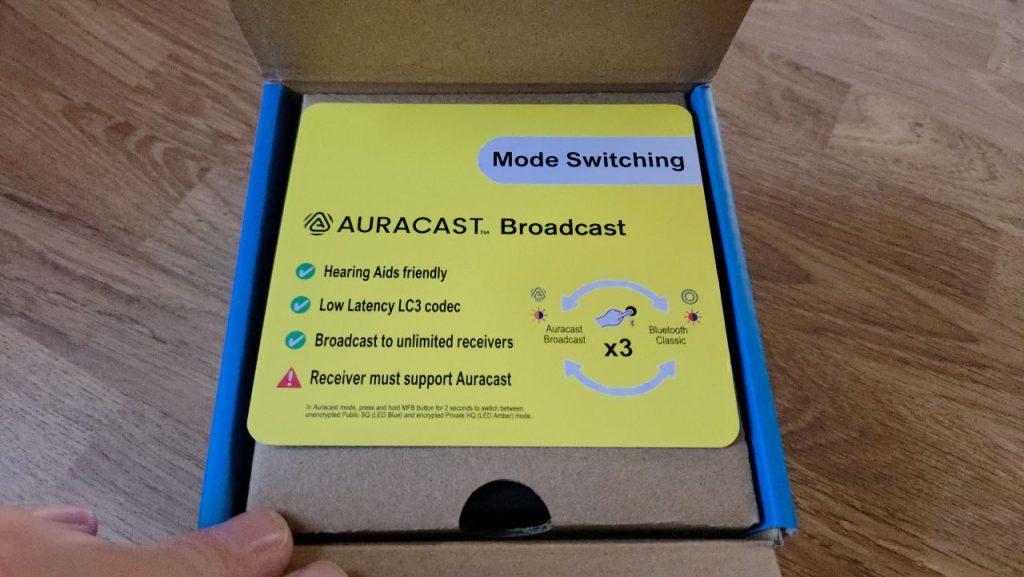
To say the detail is sparse is an understatement.
HomeSpot’s website is equally sparse, and if you didn’t know there was an app available to download you wouldn’t know. Thankfully, there is a forum and while its content is also sparse there is some gold in there that ensures people get the help they need.
One interesting aspect to the HomeSpot is the fairly unique way of connecting to audio devices.
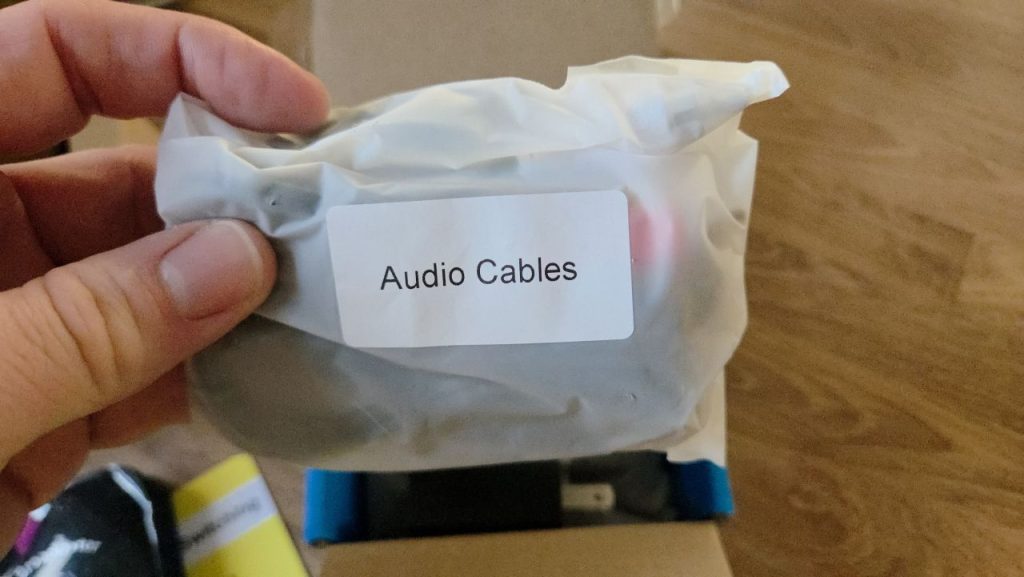
Three cables are supplied, each with a 3.5mm audio input end that plugs into the HomeSpot BA210. The other end varies: another 3.5mm audio plug for headphone sockets, a red and white banana cable, or a digital optical (TOSLINK).
This gives the HomeSpot BA210 maximum connectivity and, in theory, it will connect to any audio output. In our tests, we couldn’t get it to output from an older television in our kitchen via a 3.5mm headphone jack – the only option available – so this might not be possible.
Another minus point is that there is no daisy chaining the HomeSpot BA210 as part of a home network. So if you have a soundbar as well as the HomeSpot, it’s one or the other: you can’t connect both at the same time.
Hopefully, any future versions of the Auracaster will rectify this. It might increase the footprint of the gadget and this could be a problem for some.
MORE REVIEWS: The FlooGoo FMA120 lets virtually any computer or phone turn into an Auracaster
We have successfully tested this in a 2007 Panasonic television via a digital audio output, and can confirm it works, using a Samsung S25 as the Auracast Assistant. As should be the standard with these devices, the television continued to output sound via its speakers, meaning those without hearing aids could still hear the programme.
However, the Auracast was not without a hitch. It took some faffing about to get the right button press combination so the HomeSpot would switch from being a Bluetooth transmitter to an Auracaster. Surely a switch on the back would be easier than a button?
If my phone received an alert, such as a WhatsApp message, the Auracast connection was broken and had to be re-paired.
At first, we thought the HomeSpot was faulty, but the investigation has shown it was the phone overriding the Auracast. At the moment, we’re not sure how this can be overcome other than by watching with a phone on airplane mode.
The other issue we’ve found is that the volume isn’t always as loud as we would wish for. One of the best aspects of an Auracast is that each person tuning in can set the volume at a level they are comfortable with. For hearing aid users this is especially important, so if the sound can’t be adjusted to a comfortable level, it fails.
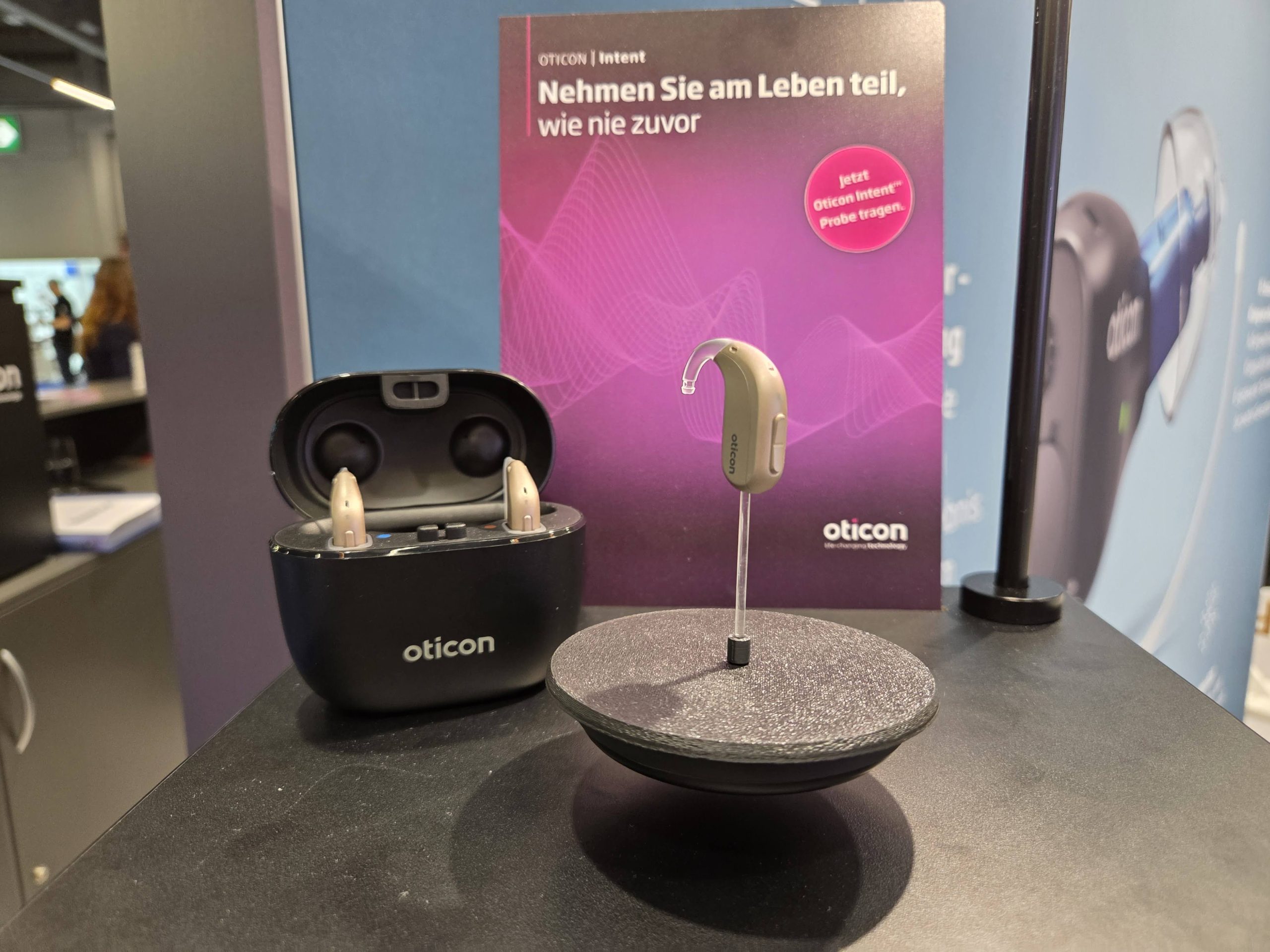
Unfortunately, with the HomeSpot BA210, the volume was set to maximum, and we needed to turn it up to 11. Not being able to means the device pales when compared to the Oticon TV Adapter 3.0 we have been using.
And that is an issue.
Ironically, some Amazon reviewers have experienced the opposite … so again, it may vary depending on the hearing aid used.
There is also an app that can be downloaded, the QK Connect. This is also sparse but it does work.
Another good thing that is sparse: the HomeSpot BA210 wins hands down on price. Proprietary systems from hearing aid manufacturers can cost around £120-£300 on top of the hearing aid purchase price. Being able to reduce that down to £50 is a significant saving.
There are other advantages too. The proprietary systems are usually limited to just one set of hearing aids, whereas the HomeSpot will Auracast to anyone with enabled devices, be it headphones, hearing aids, or earbuds. So this gadget should, in theory, work for small offices, lecture halls, and places of worship as long as they can split the audio signal so that it goes to the usual sound output, too.
We have heard of a church in the United States that does just that, so this is not within the realm of possibilities.
What is the verdict of the HomeSpot BA210?
This is one of the early entrants to the market, and it is a little rough around the edges as a result. The actual box is fine – it’s a neat bit of kit that should just work with just three button presses.
But it can be argued that the support needs work. I posted on social media that the instructions baffled me on initial setup and, to some degree, they still baffle. It’s a good device, it works well, it is plug and play but it feels like it’s lacking a little something to bring it fully over the line as a must-have device. Right now, it is a nice piece of kit that works but could be better and we are looking forward to taking the model we bought and trying it in a public place.
But as a unit for our TV… we’re sticking with our old school Oticon for now.

Aurahear in your inbox!














Hello Phil, HomeSpot support here. For the volume issue mentioned, you can adjust the gain using our QK Cast tool (https://qkaudio.dxcloud.io/api/content/qk_casttool.html).
Just plug your BA210 into a PC/MAC with a USB data cable, open Chrome, and click “Get Start”. Once connected, you’ll see all the available BA210 settings.
Look for “SQ Volume Offset” and set it to your preferred level.
If you encounter any issues, please don’t hesitate to contact us at cs@homespotdigital.com — we’re happy to help.
Thanks for taking the time to add that comment, really helpful.
I am trying to use BA210 at our church for people who have hearing issues. There is a very small lag in the audio. Is there a setting somewhere that can help me get the sound to have 0 latency? It is almost there but people who are testing it for me say it’s like having an echo because they can hear the faint speaker sound before their headphones get the signal from the BA210.