

For most people, setting up an Auracast on a home TV is an easy goal: it’s usually plug-and-play and anyone can enjoy the benefits of the Bluetooth LE Audio technology.
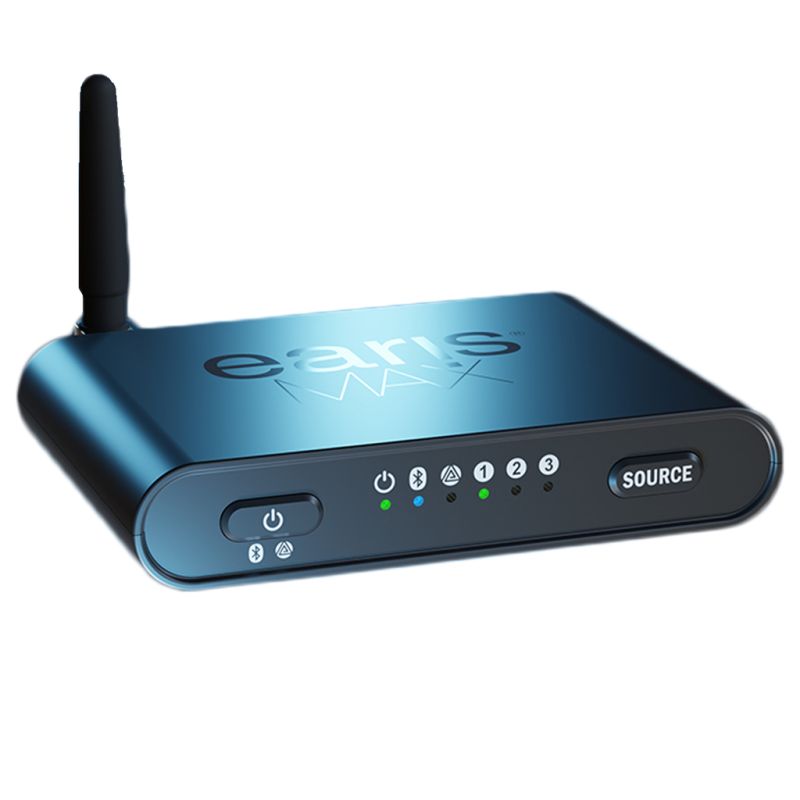
The streamers come in all shapes and sizes, from the compact ReSound TV Streamer to this, the Earis Max TV transmitter.
About the size of a packet of playing cards and with a directional antenna that points upwards or sideways, it’s a different beast, designed to sit near the TV in the same way that DVD players and set-top boxes will do. It supports daisy-chaining audio, so it can be part of a home setup that includes a soundbar or speakers.

The advantage is that anyone can hear the best-quality audio, whether from the external speakers or Auracast.
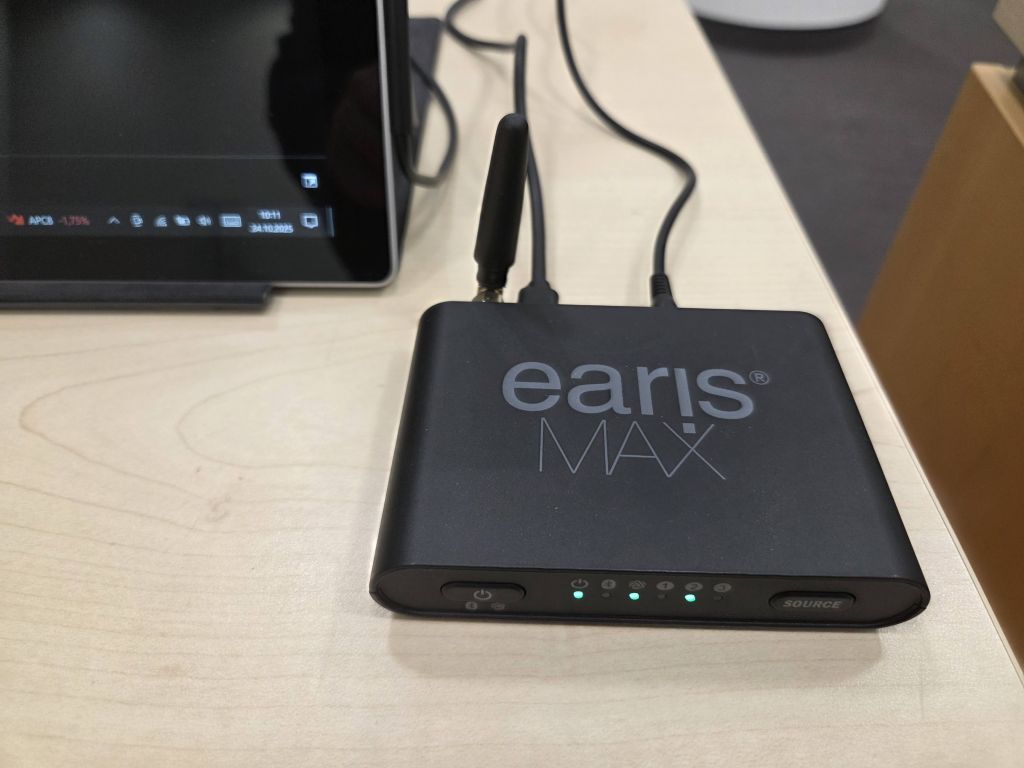
It can be powered by a television with USB ports or a standard USB power adapter. EarisMAX recommends the television if possible and says that power to the transmitter will stop when the television is turned off.
To turn on, simply press the on switch on the front of the device for three seconds. The power-on LED will glow green. To switch off, follow the same step: a three-second button press.
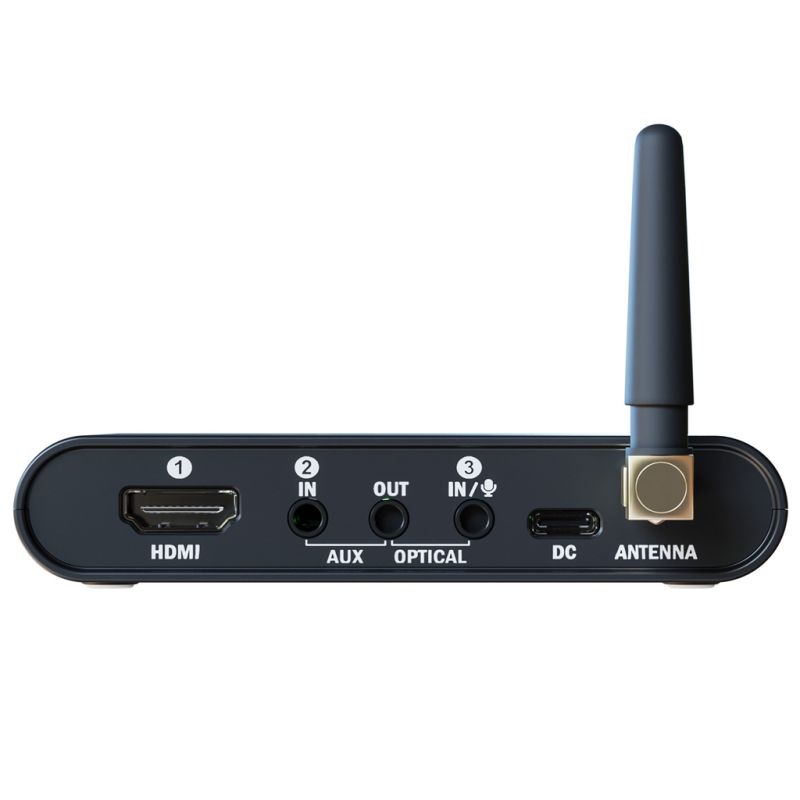
Once that’s done, it’s a case of setting the box in position, plugging it in to the correct ports, either Digital Audio (SPDIF) or 3.5mm, using the cables supplied. It can also output audio received from HDMI Arc.
These cables include red and white banana plugs for RCA connections, as well as 3.5mm to 3.5mm, and TOSLINK/Digital Audio cables.
It operates in three modes.
Bluetooth Classic offers streaming to compatible hearing aids and headphones. The downside is that only one device can be connected at a time. This limits its functionality.
This is the same with Bluetooth LE Audio: only one connection at a time.
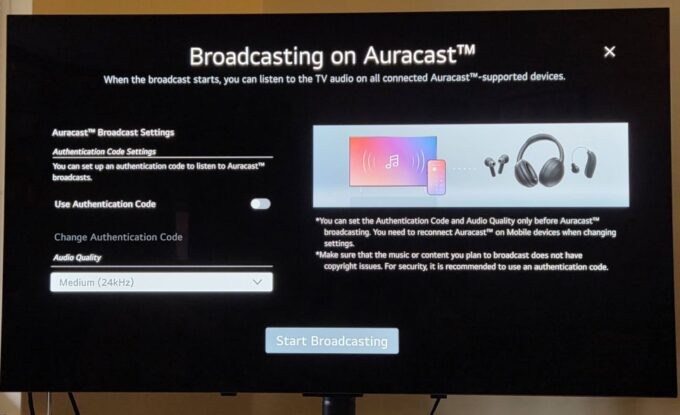
In Auracast mode, it can transmit to an unlimited number of receivers, perfect for a home with multiple receivers. Audio can be streamed at 48kHz and 24kHz – hearing aids will only be able to use the latter, so this needs to be set up during installation. If you are streaming Auracast to headphones and earbuds only, the 48kHz streaming may be fine.
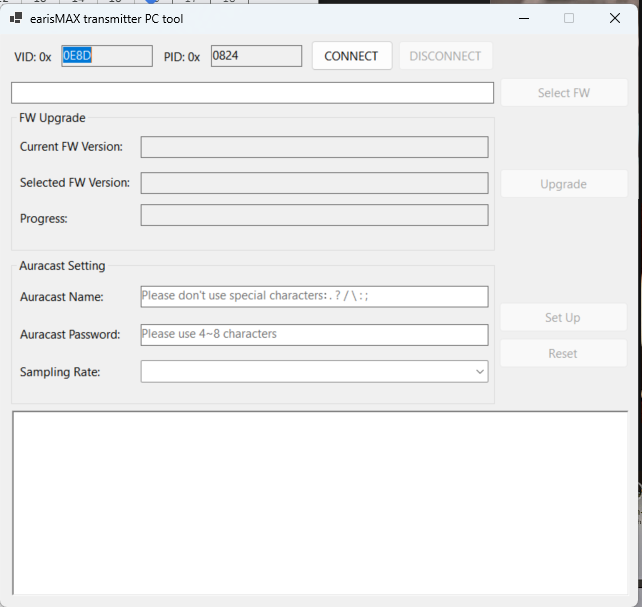
It is factory set at 48kHz, and it is possible to change the streaming rate by pressing both power and source buttons for three seconds. The LEDs wll blink slowly three times to confirm the sampling rate has changed.
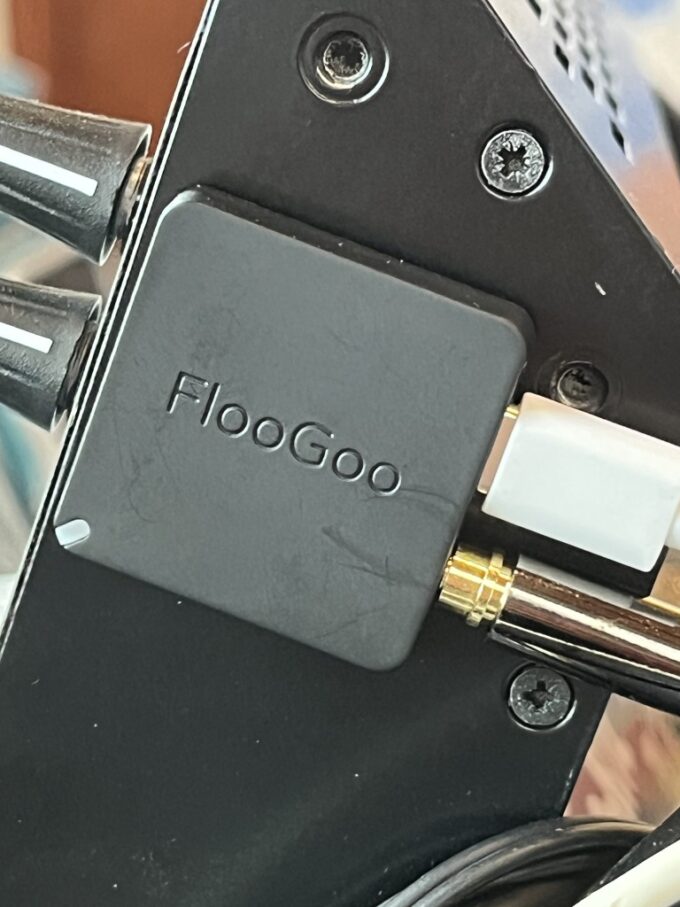
To help with setup, including changing the name of the Auracast stream, applying a password for it, or changing the streaming rate, EarisMAX provides a PC-Tool for Windows. This can be downloaded from the EarisMAX website, and as the name implies, will only work with Windows machines. The interface is, like the FlooGoo, fairly perfunctory and seems like a throwback to Windows XP days.
There is also a very simple card included in the box: the yellow side details how to switch to Auracast, while the grey side shows how to switch to Bluetooth Classic mode. Simple and effective.
The sound quality is excellent, and there can be no complaints about this aspect. The transmitter feels sturdy and well-made, and the use of pushable buttons is welcome.
However, our negative is the LED status lights. These feel brighter than the Blackpool Illuminations and, if you like watching films in the dark, they bathe the room in a cool, green light. We countered this by placing cardboard over it, but we would have preferred the ability to turn these lights off, something that we can do via an app for our WiFi extender.
That is the only fault we can find here. It is a really good piece of kit that offers great sound quality, and can transmit to 48kHz, meaning higher quality sound for those who can use Auracast-enabled headphones, such as the EarisMAX ones we reviewed here.
The sound quality is excellent and once it’s set up, it is up and running, you don’t need to think about it.
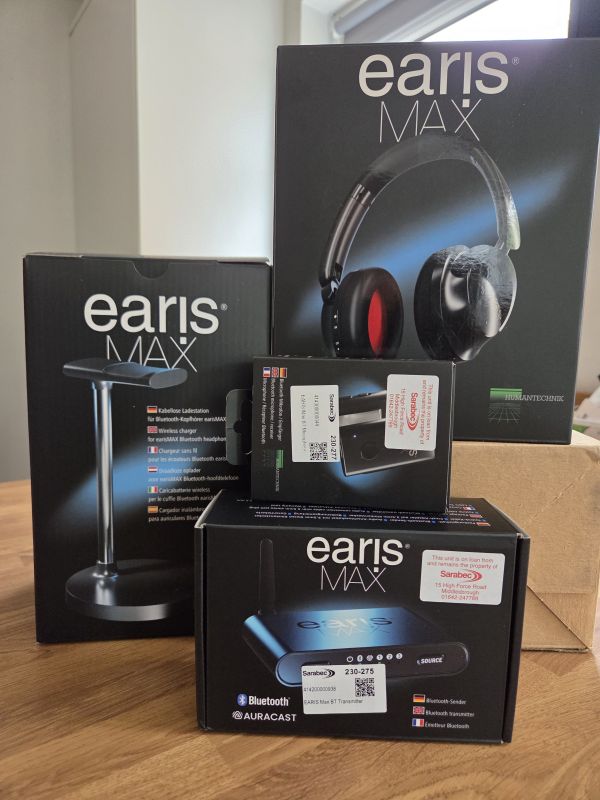
While some will prefer the more discreet TV streamers that sit behind a screen, others will welcome the certainty of a mains-powered box that has status lights indicating exactly what mode it is in.
The earisMAX Auracast Transmitter is available in the UK from Sarabec for £143.99. For more details, log on to Sarabec’s website.
For more details, and to download the manual and PC tool, log on to Humantechnik’s website.

Aurahear in your inbox!
















Leave a comment