

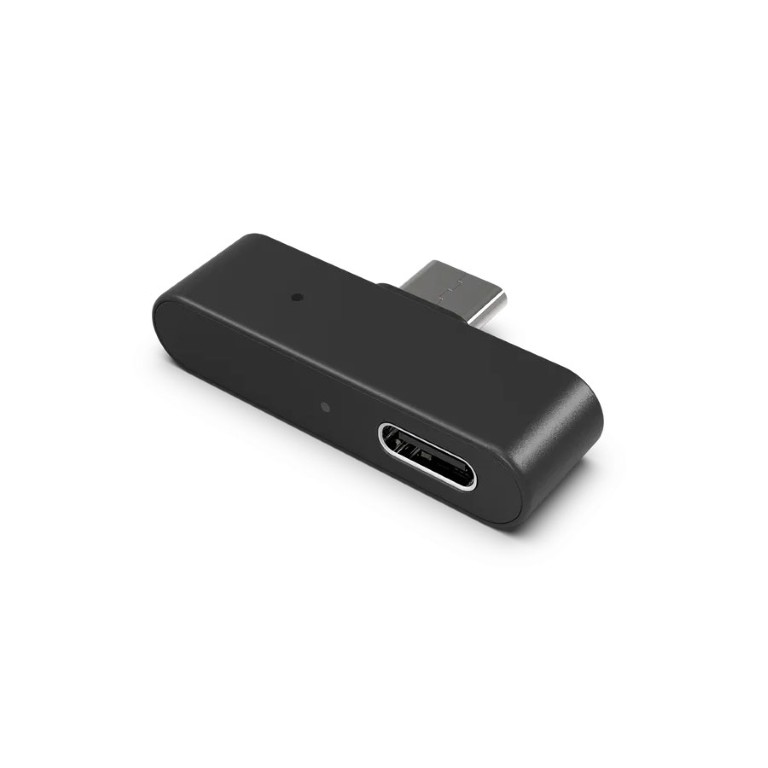
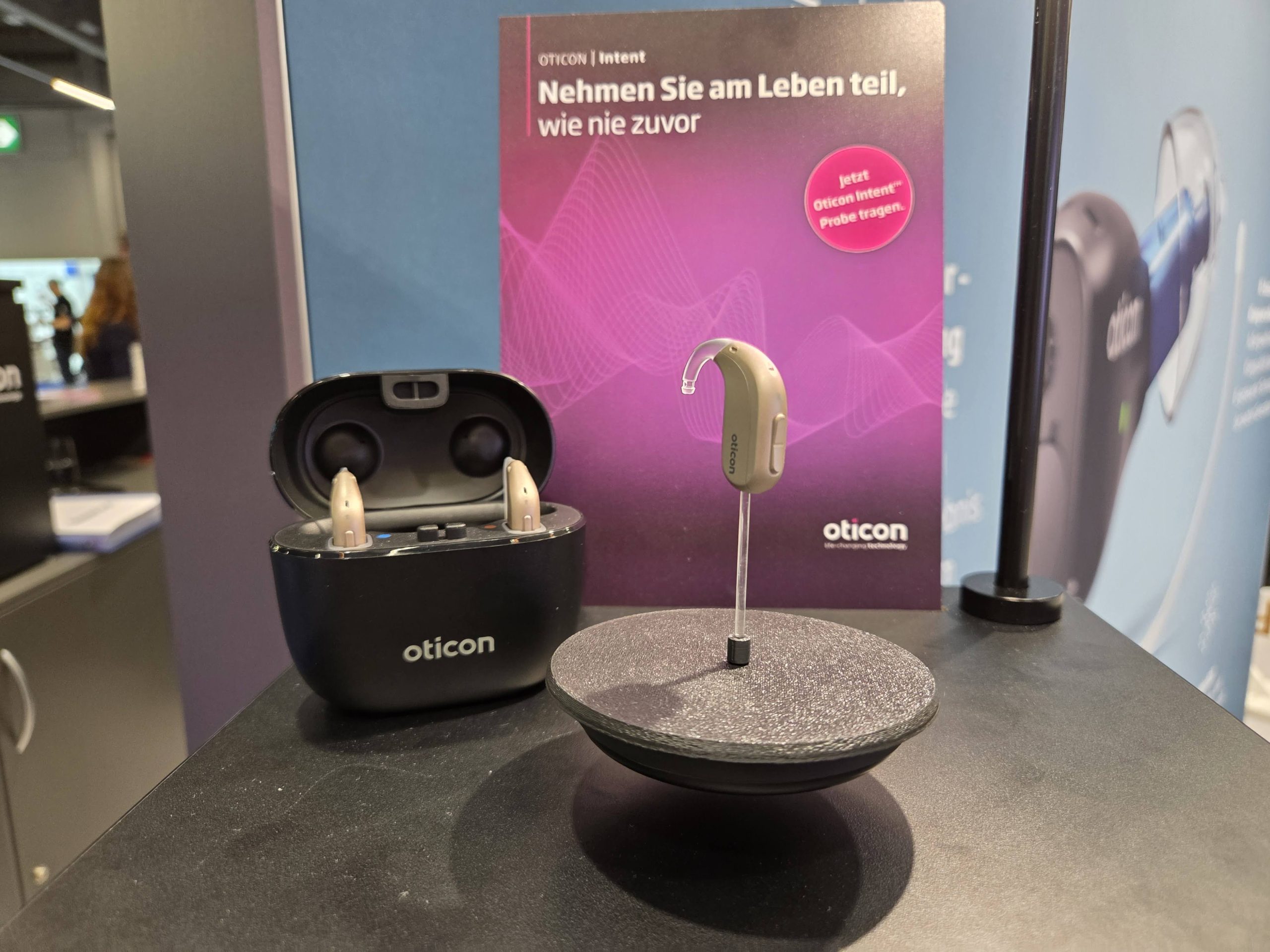
Auracast in hearing aids is brilliant, but sometimes you need to stream audio from a device that doesn’t have Bluetooth LE Audio. For Oticon hearing aid users, the answer is the Oticon Easy LE Adapter.
This is a simple plug-and-play gadget: once it has been paired to the hearing aid, it can be ported between devices, and it just works. Sound quality is excellent, and there is little latency.
We have been testing this with Oticon Intent 1 hearing aids, and at times have found it invaluable. It takes priority over any other audio source, which is helpful as occasionally the Intents have had connection issues. For example, with the S25 mobile phone we use: we can hear the caller, but they cannot hear us.

The Easy LE Adapter bypasses that issue.
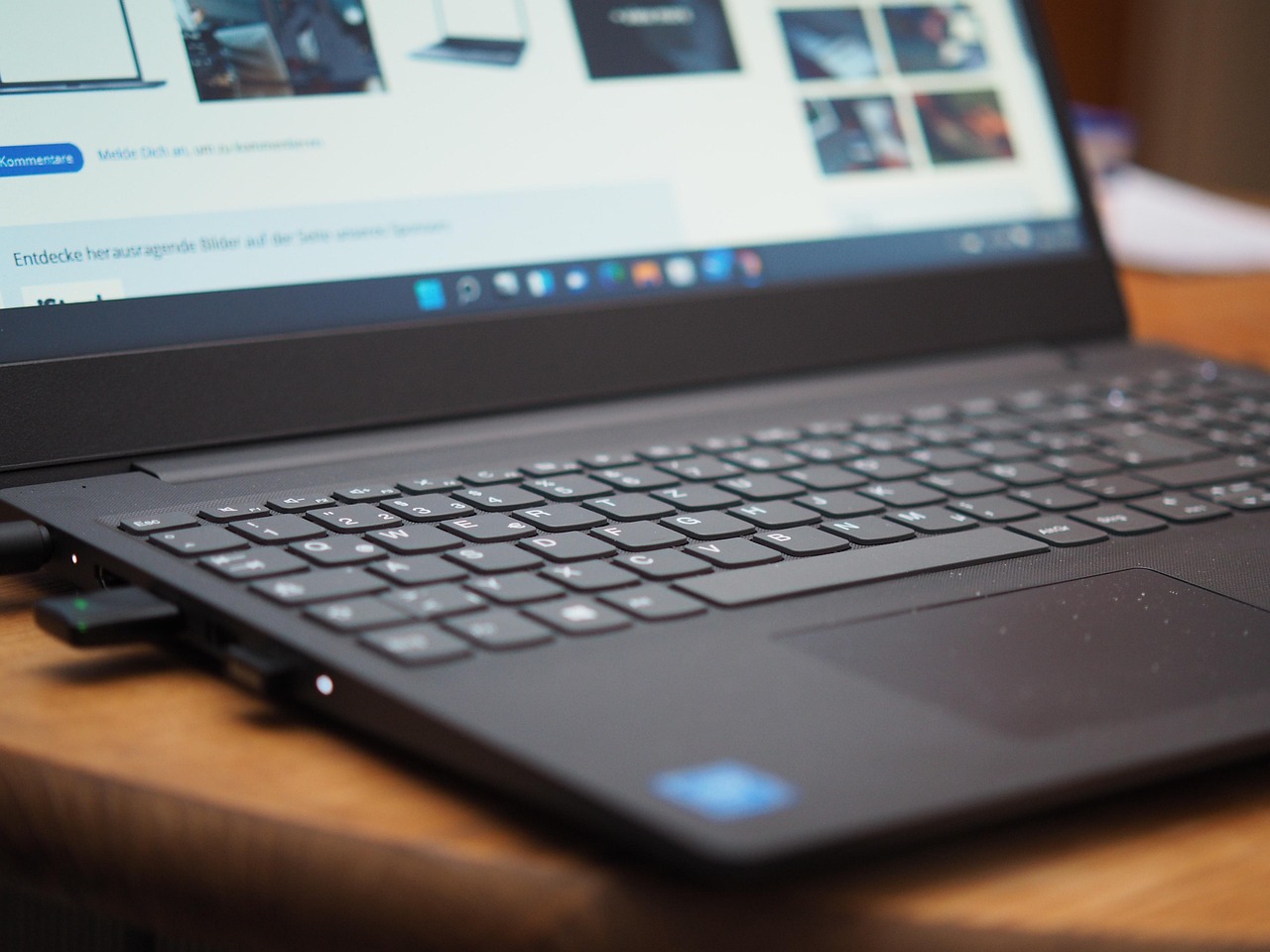
Because it works with non-Bluetooth LE Audio devices, it can be plugged into a Windows laptop’s USB-C port and transmit audio to the paired hearing aids. This is helpful for older machines, especially within the workplace, as it brings the benefits of Bluetooth LE Audio (not Auracast) without any hassle.
We’re getting ahead of ourselves.
Small form, and easy to set up
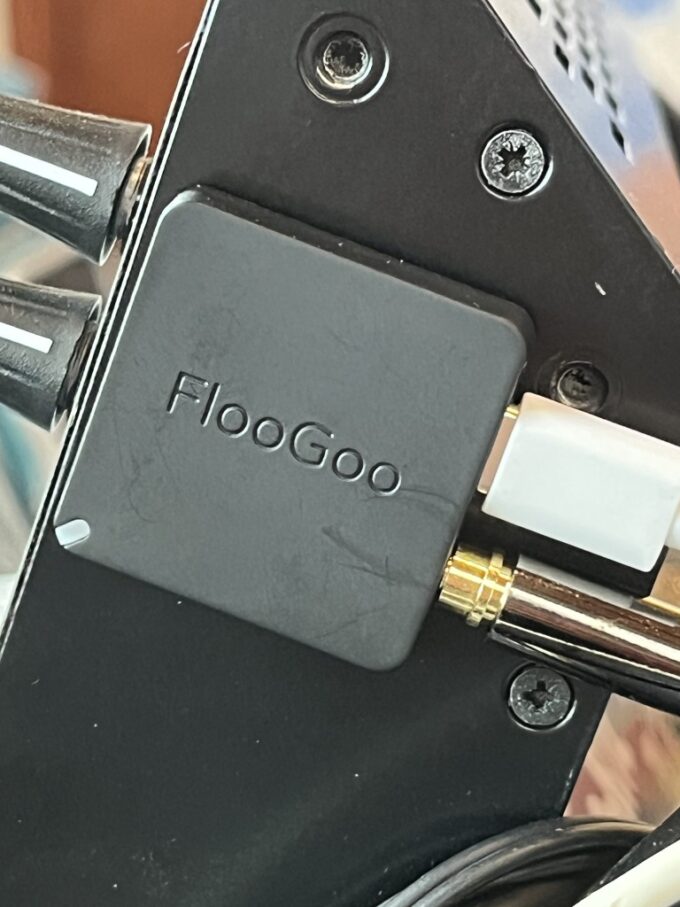
The device is small. Really small. It’s under 4cm in length, under 1cm in depth excluding the USB-C connector, and just over half a centimetre in thickness. There are no buttons, but there is a USB-C passthrough port: stick a USB-C charging cable into this, and you can keep powering your device.
The only other items to note are a tiny light and a reset switch, used by pressing a paperclip or similar. If you’ve ever ejected a SIM card tray from a mobile phone, you’ll know what to do.
The box that houses it is a little bigger and includes a quick start guide and a safety guide, making the whole thing very portable.
The supplied instructions are incredibly clear, although in very small type so some people may need a magnifying glass to take advantage of it.
Connecting is easy and, once you’ve paired it, the settings are remembered for use across all devices. When the Easy LE Adapter is plugged into the host device, it automatically goes into pairing mode if no previous pairing has been found. You’ll know this is the case because the LED indicator starts flashing blue.
The hearing aids need to be put into pairing mode: usually this is a case of turning them on and off again, or putting them into the charging pot and taking them out. When the adapter has paired with the hearing aids, the light turns solid blue for five seconds before switching off.
This process can be pernickety if the adapter cannot find the hearing aids: the finding range is no more than two metres, but the closer the better. Don’t worry, this is normal; it may take several attempts to connect.
That’s it. Once paired, the adapter is then available across all devices.
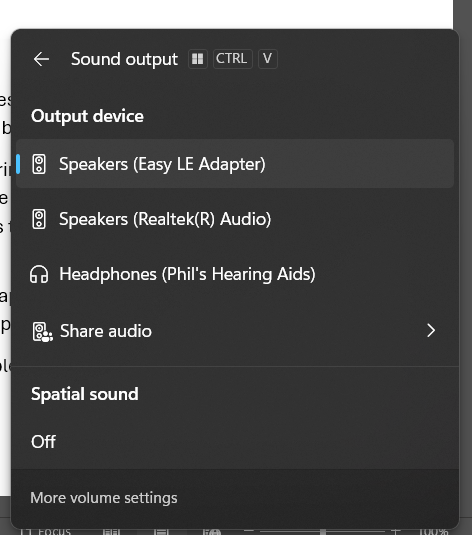
On Windows machines, it will show in audio devices as Easy LE Adapter, while on Android phones it becomes the default sound output. Oticon says “the adapter is not intended for use with Android devices that natively support LE Audio. It is also not intended for use with iPhone, iPad, Mac or Vision Pro.”
It uses Bluetooth 5.3 and transmits at 24MhZ. In addition to Oticon Intent and Zeal hearing aids, it works with Bernafon Encanta, and Philips Hearlink 9050.
A great value option
This is also a low-cost device. At the time of writing, Connevans was selling it for £53.76, and in the UK VAT relief is available for personal use, bringing it down to £44.80 (not an affiliate link). It is more expensive on Amazon UK (affiliate link).
On the days that we wear our Oticon Intents, this is in our kit bag. As we’ve noted, its ability to take priority over all other external inputs means we have certainty that the device we have plugged it into is the one that we will hear. This is a bonus when the Intents are struggling to output sound from the device you want to listen to.
While it is small, if the laptop’s USB-C ports are next to each other, it knocks out one of the two ports. This can be a problem if you need both of them. We have been able to add this to a USB-C docking station, and it still works.
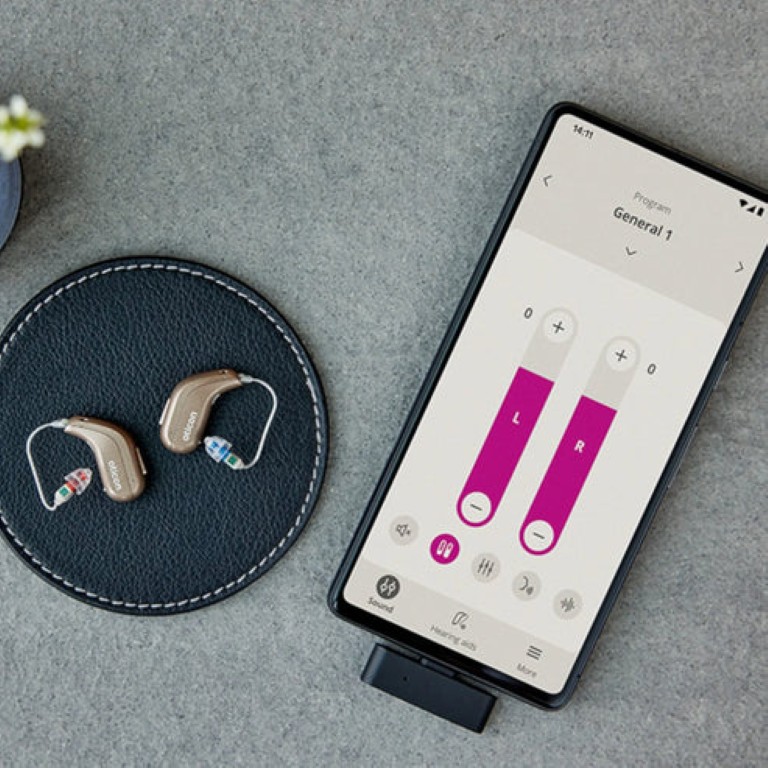
Occasionally, a Windows laptop will grumble about the Easy LE Adapter and make it hard work to connect. This is on the machine, not the adapter and usually a reboot will fix the issue.
Other USB devices we have tested, such as the Avantree Voyager, come with a carry case, and it’s a shame that Oticon has not provided a similar one, as it would protect the USB-C plug from getting damaged or filled with pocket lint. We have been using the box it came in, but this is cardboard, and there will come a day when it has to go to the big recycling bin in the sky.
This is a niggle.
With terrific sound quality, ease of use and the certainty that it will work once plugged in, this is a brilliant gadget for anyone wanting confidence they can hear when using a phone or a computer.

Aurahear in your inbox!












Leave a comment