

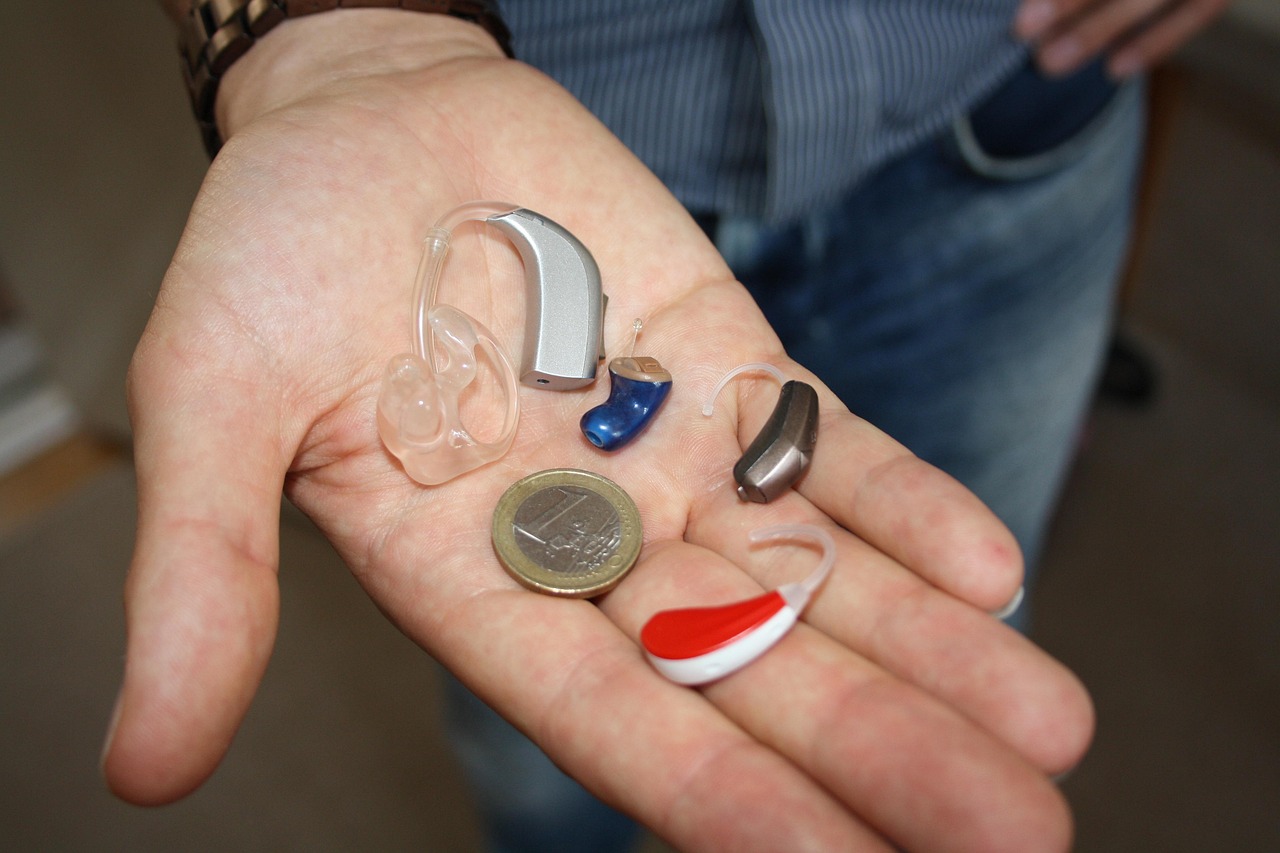
Do you have a gadget or hearing aid that is Auracast Ready? What is the difference between that and Auracast Enabled? A lot!
It can be confusing at first, after all, if a gadget is Auracast Ready, surely it will pick up Auracasts? Not necessarily. BBeing an informed shopper is essential
Understanding the difference between Auracast Ready and Auracast Enabled is the difference between enjoying broadcast audio today and waiting for a software update that may never arrive.

Auracast Ready generally means the hardware inside the device (the chip and the radio) is physically capable of supporting Bluetooth LE Audio and Auracast, but it won’t connect to an Auracast until the manufacturer issues a firmware update.
In non-technical terms, Auracast hasn’t been activated by the manufacturer, and you are essentially buying a promise.
Manufacturers can use this label to “future-proof” their products, intending to push a firmware update later. The risk for the consumer is that these updates are often delayed or, in some cases, never happen.
For example, some 2024 hearing aid models were sold as “Ready,” but users are still waiting for the update that allows them to actually connect to a theatre’s broadcast.
“Auracast Enabled,” on the other hand, means the device is fully certified and functional out of the box. Hearing aid and headphone manufacturers often include an Auracast Assistant in their app, so connecting to a venue’s Auracast is just a case of pressing a button.
When you see the official Auracast logo on the packaging without the word “Ready” attached, you are looking at a product that can scan for and join broadcasts immediately.
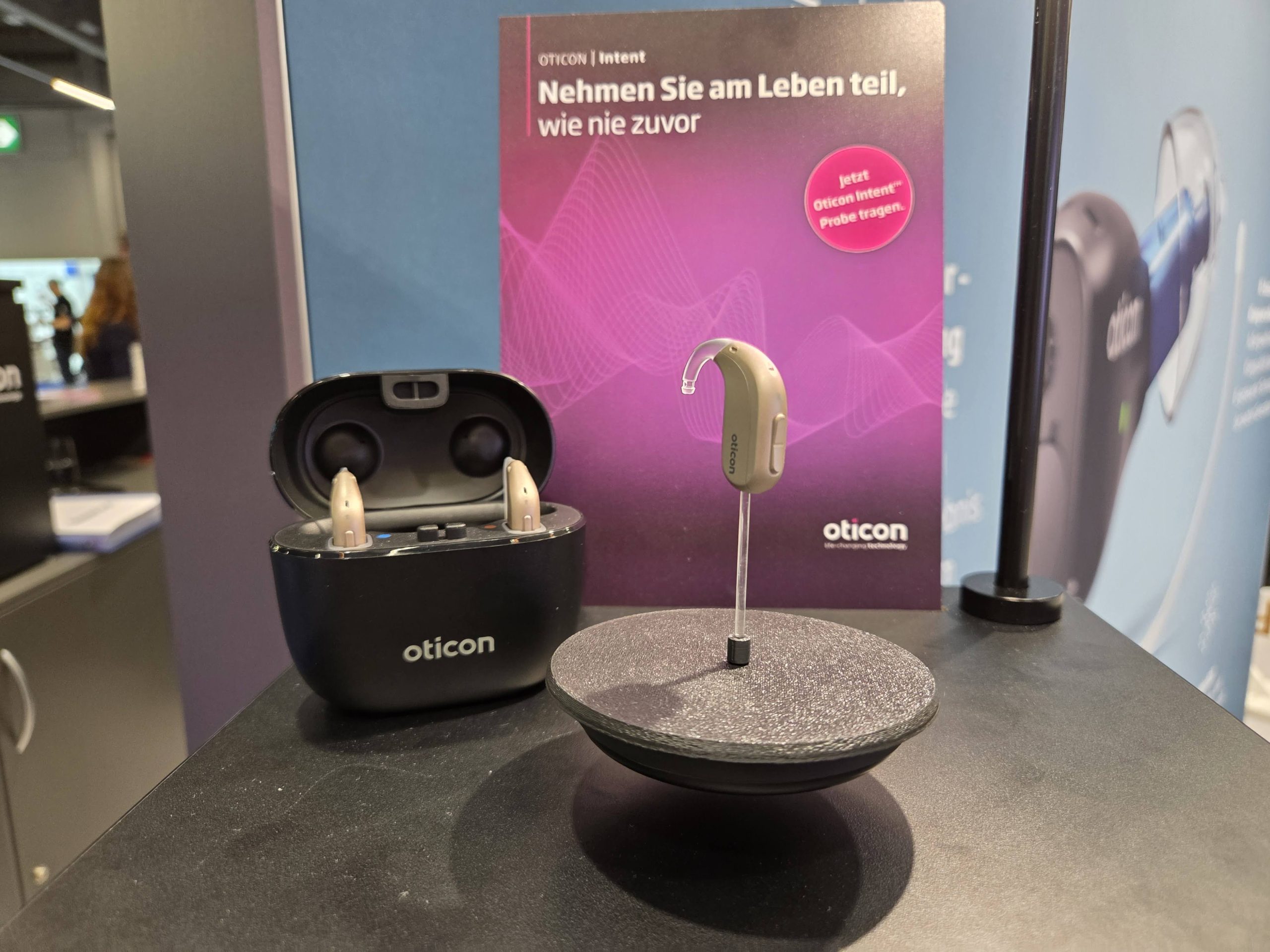
And while you might not be aware of it, the number of devices that are Auracast Enabled and on the market is growing steadily. Assistants are being built into newer Android phones, such as Samsung’s S-range, and Google’s Pixel phones, while GN has committed to adding Auracast to its hearing aids where possible, regardless of whether it is a premium or standard hearing aid.
The flipside is Phonak has currently decided not to implement Auracast, instead sticking to its Roger system. We looked at their stance in this article here.
The takeaway for Aurahear users is simple: Always ask for a demonstration.
If you are at an audiologist or a tech retailer, ask to see the device connect to a live Auracast stream (many clinics now keep a small transmitter on-site for this purpose). Do not rely on “Ready” as a guarantee of performance.
In the world of 2026 tech, “Enabled” is the only label that ensures you can walk into an airport or cinema and hear the audio you’re entitled to.

Aurahear in your inbox!









Leave a comment