

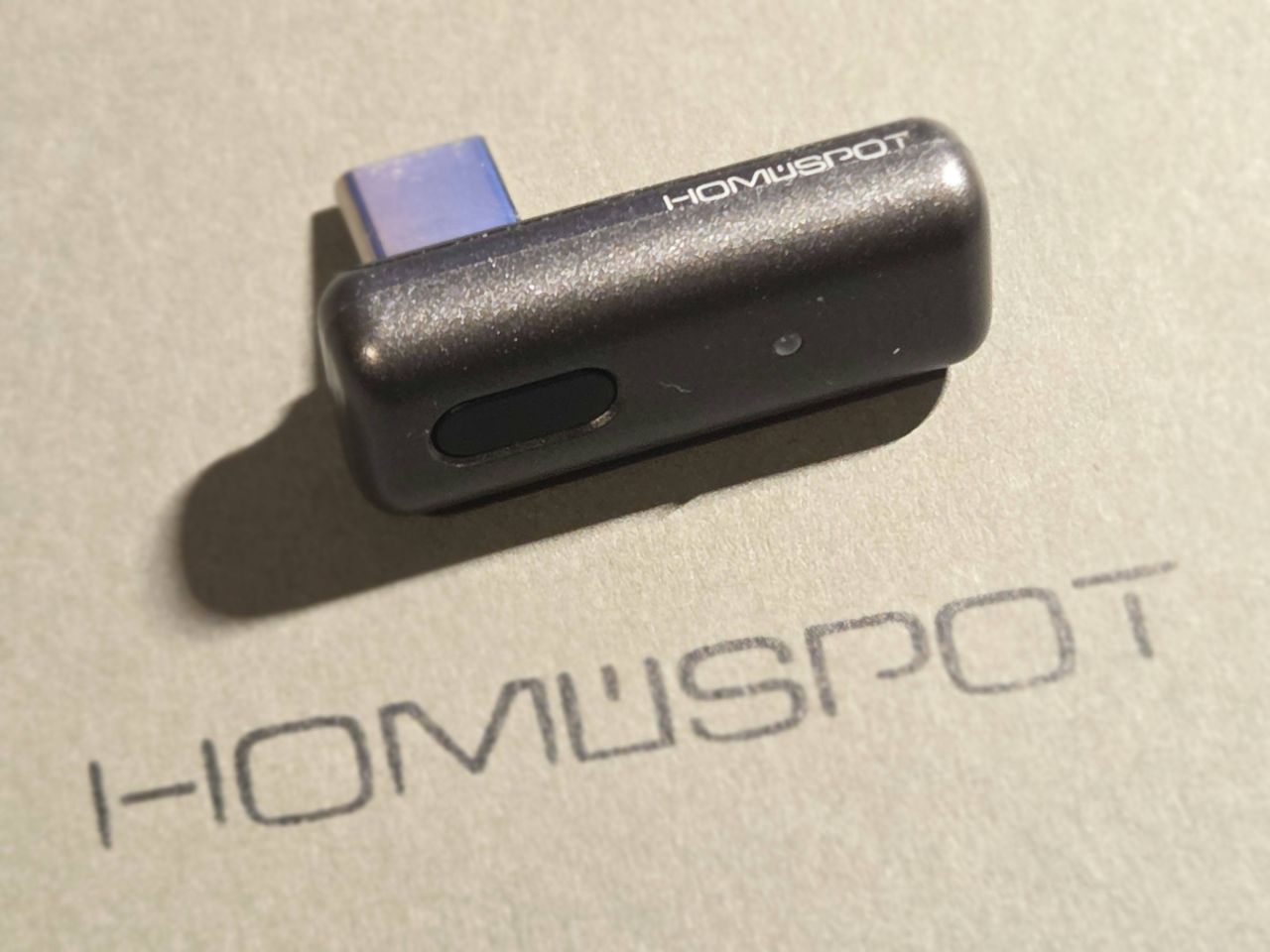
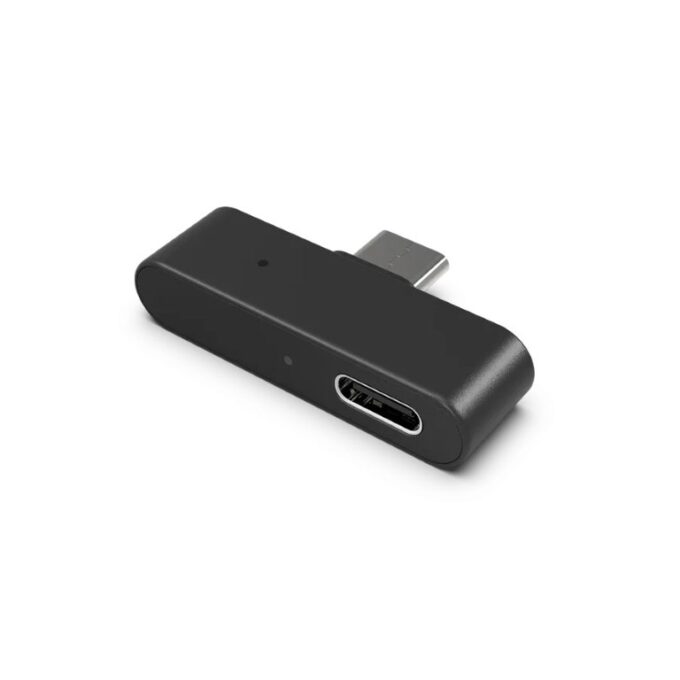
The HomeSpot BA308 is a new dongle that offers Auracast connectivity.
Backwards compatibility is one of the hardest parts of the jigsaw: how can you let people with non-Bluetooth LE Audio-enabled devices join a broadcast if they don’t have Auracast but do have Bluetooth Classic? This is a particularly pertinent question for iPhone users as Apple has yet to announce any support for its devices.
While apps from GN ReSound and Oticon bridge that gap for Auracast-ready hearing aid users, that is not an option for everyone. Enter third-party devices like the FlooGoo FMA120 and, now, the HomeSpot BA308 Recast Nano Dongle.

We ordered one from Amazon US, and it cost around £43, including postage to the UK.
We have been looking forward to testing the HomeSpot BA308, as we have been impressed with the HomeSpot BA210 Auracaster which was put into use at the church we attend. It plugs into the AV system and effortlessly Auracasts the audio across the meeting hall and adjoining rooms.
With the HomeSpot BA308, Auracast-enabled and Bluetooth Classic-enabled devices can receive Auracasts and then recast them to hearing devices and to apps for speech-to-text. The examples it shows in the instruction manual are: Google Transcribe, Google Translate, Record, and Notes, and in the app Otter.ai.
This could be incredibly useful for students wanting an accurate transcription of a lecture.
We do have some concerns about the ability to record the audio being received – if the user was at, say, a professional concert or play, there will be the temptation to create a bootleg recording. But for amateur groups wanting a record of a performance they have staged, this could be a welcome feature.
This appears to be the device’s first generation, and our app firmware is 1.0.18. So this is early days for what could be a very promising device.
First impressions of the HomeSpot BA308
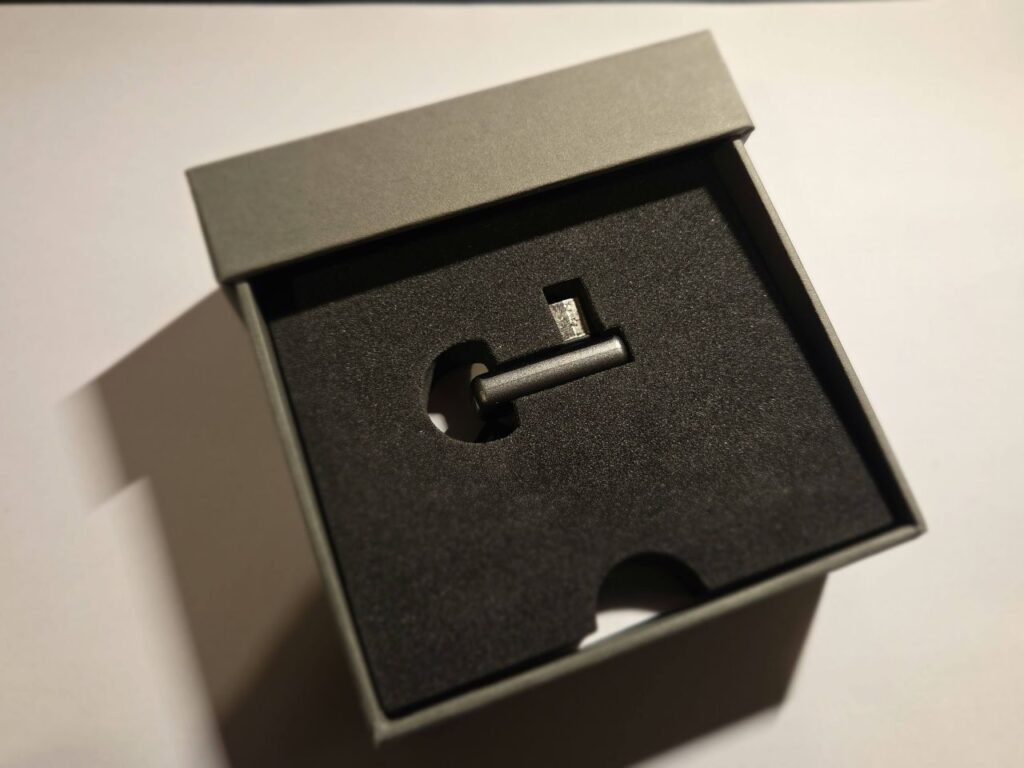
The HomeSpot BA308 came in a plain white box. Inside was another box, and this was the opposite. Matt grey and made of very solid cardboard with a push-click action, it was a very luxurious-looking package.
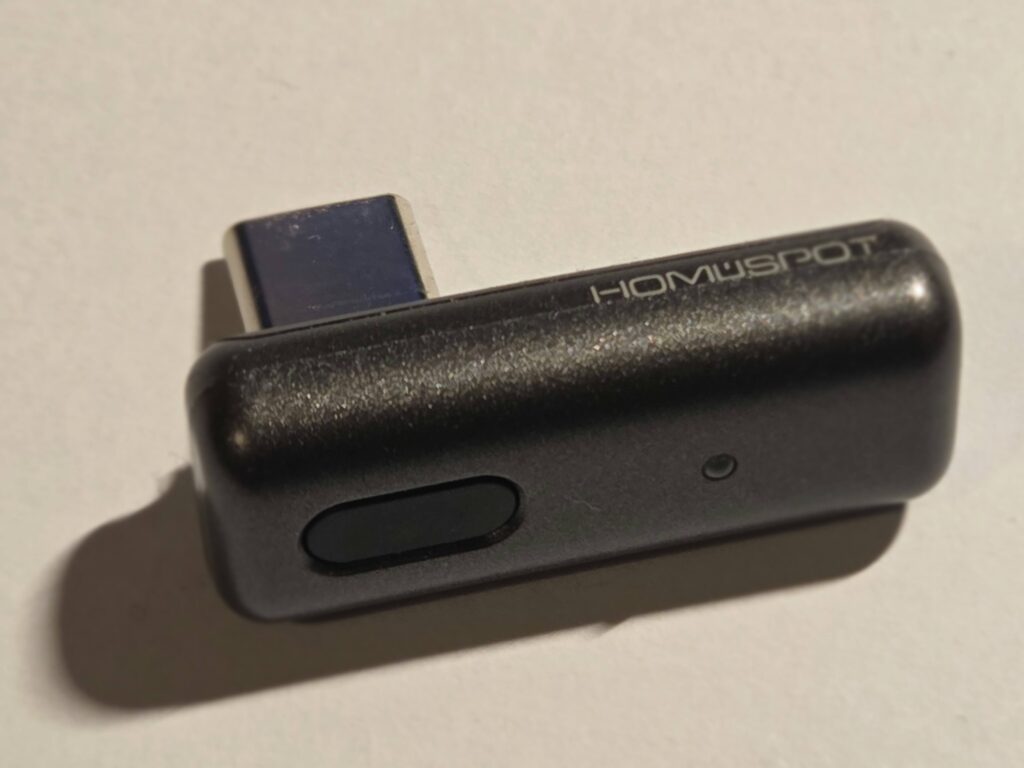
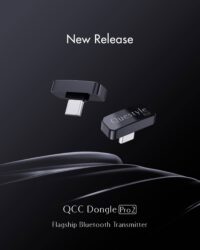
And that continued inside: the box, about four inches square and a couple of inches deep, has the dongle sitting in the middle looking like an engagement ring. It is about an inch wide, with a USB-C port protruding from it. It has one button and an LED to indicate the current mode.
It feels like a well-made, quality component that is discreet, compact and portable.
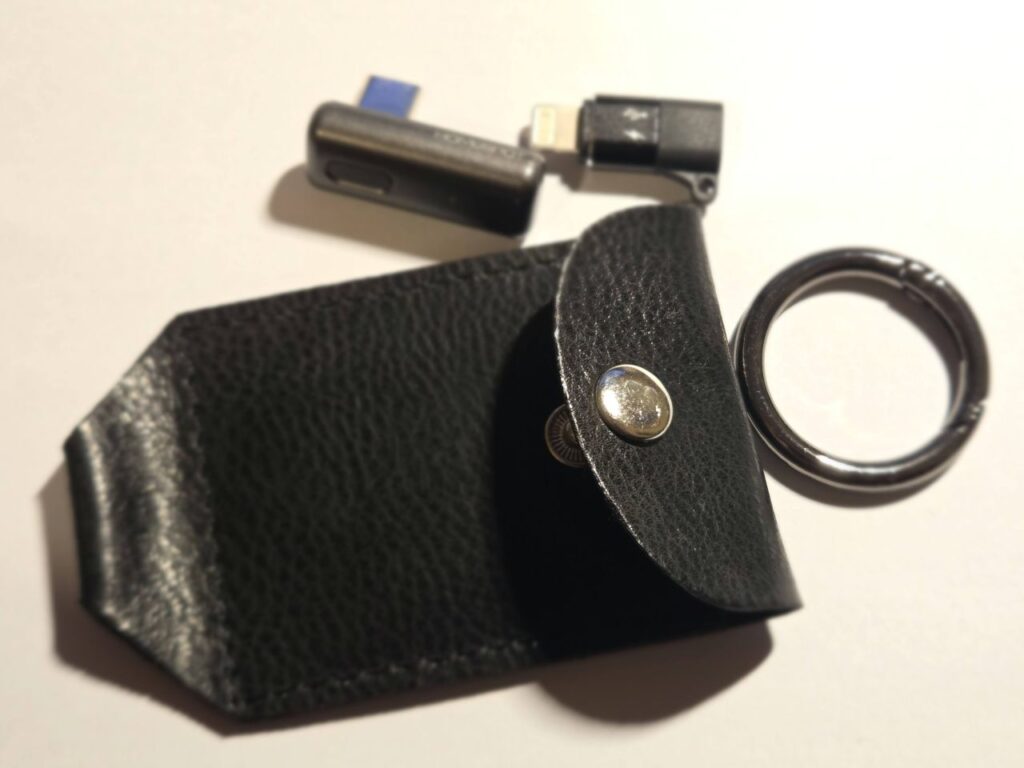
The box also contains an iPhone Lightning adapter, a leatherette pouch to protect the dongle when not in use, a small instruction manual, and lots of protective foam.
Given that this is a value component compared to some Auracast devices on the market, the effort that went into the packaging is welcome.
How do you connect the HomeSpot BA308 to an Auracast?
The HomeSpot BA308 needs the HomeSpot’s QK Recast app to work. It’s a small download at just 21Mb, so won’t take long to install. We tested it on Android, and it is available for tablets, phones, XR headsets, and Chromebooks.
It does not work with Windows PC at this time.
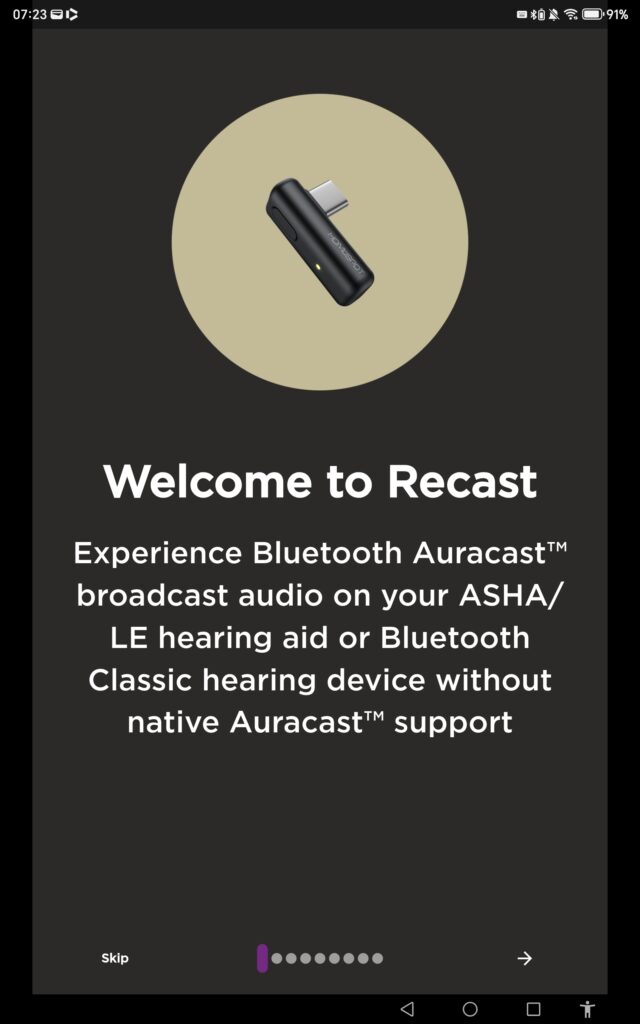
On first opening, you have a welcome screen that reads: “Experience Bluetooth Auracast broadcast audio on your ASHA/LE hearing aid or Bluetooth Classic hearing device without native Auracast support”.
Users are guided through the settings, with screenshots showing what to expect.
This includes outlining its PLUG N PLAY (sic) capability, where the HomeSpot BA308 will connect automatically to the last used Auracast, and store up to three for quick access. It also says that people can switch between Auracasts by pressing the button on the dongle – no app required. This will be useful in places with multiple streams, such as a theatre that offers audio description in addition to the main audio.
The next screen explains how volume can be boosted: adjusting sound levels to a user’s preferences is one of Auracast’s key selling points for individuals, and the screen suggests it can be boosted by 300%. We doubt this will be needed, but if the HomeSpot BA308 is being used for streaming music at a party, it could be helpful.
Speech To Text is the next information point, and the app says that by sending the audio to Live Transcribe or Live Captions, users can enjoy subtitles on the fly. Again, this can be useful for theatre visits, although ushers will need to be informed that there is no illicit recording.
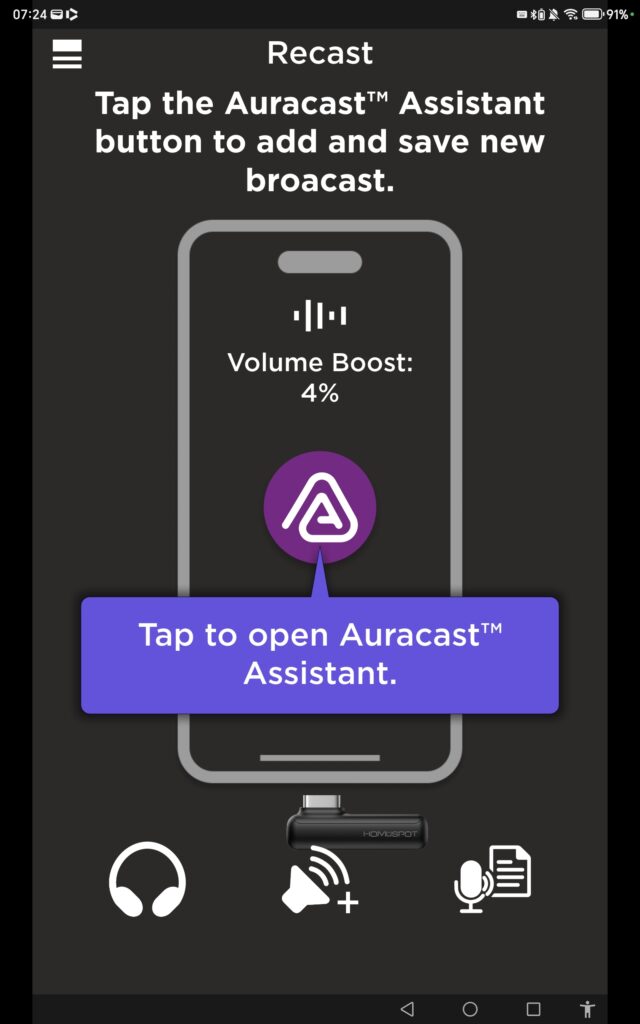
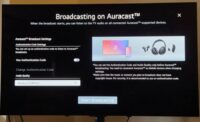
The Auracast Assistant app is a very simple screen: a big Auracast logo in the middle is the gateway to the audio treasures that await. Underneath it are three icons: headphones, volume, and speech-to-text.
To access the available Auracasts, users simply press the big logo. A new screen opens showing streams that can be connected to. Press the one you want to listen to, and it then starts playing.
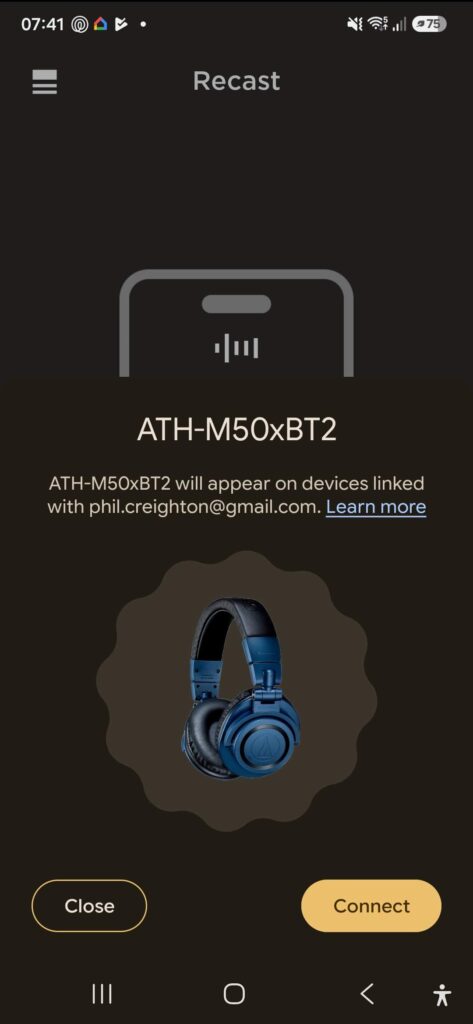
It is a powerful device that works well.
We were on a train carriage and, because the tablet was not paired to the hearing aids we use, fellow passengers were treated to a blast of BBC Local Radio’s Bernie Keith and his brilliant rock ‘n’ roll show. Not ideal at 7.15am…
How do you connect hearing aids to the HomeSpot BA308?
Now that’s a good question. You can’t. This is a recaster, not an Auracast Assistant and therefore looks to the host device’s settings.
According to the manual, you ‘connect and pair your device (Recast to hearing devices)’. Sounds easy? Well, yes. But it looks for the Bluetooth-enabled gadgets already paired to the device, or for nearby Bluetooth devices that it can pair to.
So while it works with our Samsung S25, which is paired to the Resound Vivia hearing aids we use, the tablet and laptop couldn’t as our hearing aids weren’t paired to them.
The HomeSpot BA308 is merely a conduit for picking up an Auracast and sending it to paired devices. In some ways, this is a shame, and we would like to see the ability for the dongle to pair directly with hearing devices and commit them to memory, so it can be used on multiple gadgets.
Does the speech-to-text function work?
Yes. And it works incredibly well.
We tested using Otter.ai, the only app available to us. We also had to go via Google Play Store to open Otter, even though we had it installed on our machine.
We connected it to ReSound’s TV streamer+, which was plugged into the television, and then let it do its thing while some adverts played. For a second test, we relayed an audio file from a Samsung S25 to a tablet. In both tests, it performed very well at capturing the words in real time.
We also tested this at Frankfurt Airport on the gate announcements and were impressed at how well it works, especially with multiple languages.
As we noted at the start of this review, having this capability in a device that costs around £43 is remarkable, and many students will find it invaluable in lectures: instant notes they can annotate and edit.
At the time of writing, we are aware of only one other device with this capability: Bettear’s professional-grade B-RTX transceiver.
Overall verdict on the HomeSpot BA308 is mostly thumbs up
The presentation of the physical product was exciting. It looks good, it feels good. It’s portable, and the protective case is welcome, reducing the risk of loss.
The app is a small download and won’t strain phone storage. It’s straightforward to use and fairly intuitive.
For small groups, several HomeSpot BA308s could be purchased for people to borrow and connect to an Auracast, with minimal outlay. Its ability to work with Bluetooth Classic is a plus for those with non-Auracast-enabled hearing aids or headphones.
And all for a price that makes it exceptional value.
But it is not perfect. For some, the lack of a PC app will be a problem, and as a recaster, it relies on existing settings to route audio to hearing devices.
We hope a future firmware update will enable the dongle to connect to a hearing device and memorise its settings, allowing it to be used with multiple devices.
For more on the HomeSpot Recast Nano Dongle BA308, visit https://www.qkaudio.com/landing

Aurahear in your inbox!









Leave a comment