

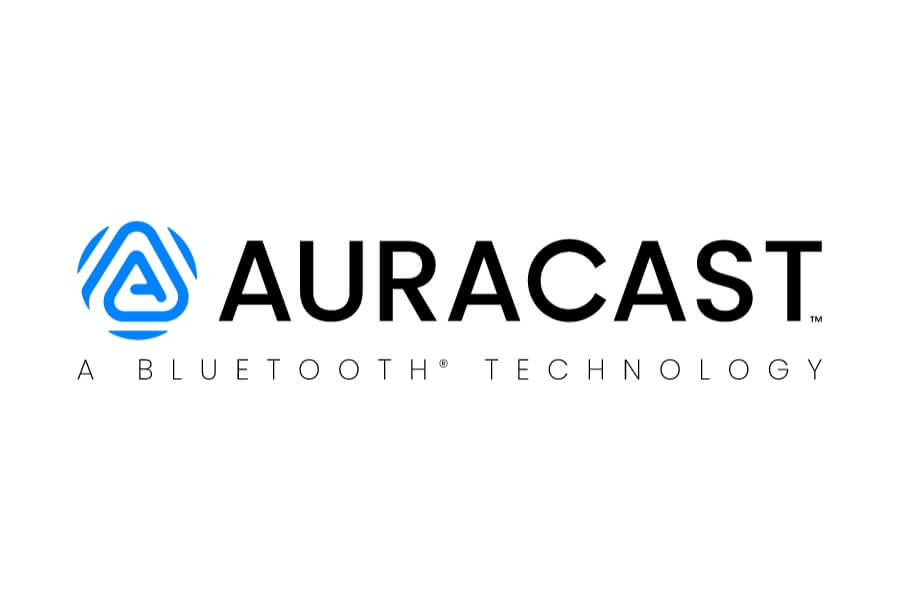
As you look to upgrade your hearing aids and other technology, such as televisions and headphones, the most important thing to look for is the official Auracast trademark logo.
The Bluetooth Special Interest Group (SIG) has created a specific brand to ensure that when you see that “A” with the broadcast waves, you know the device will work with other Auracast systems.
An Auracast product that uses the Auracast logo must be approved by the Bluetooth SIG. The guarantees that the technology will work as intended. Companies wishing to use it must have approval from Bluetooth SIG – this means the Auracast logo is like a kite mark. There are strict rules on the colours used and there must also be a disclaimer text that makes it clear the Auracast word mark and logos are being used with permission, giving you confidence in your purchase.

Navigating the marketing jargon can be tricky.
You will see terms like “Bluetooth 5.3,” “LE Audio,” and “Auracast-Ready”. Knowing what they mean will help you ascertain if the device will work for you.
Is my device Auracast-ready or Auracast-enabled?
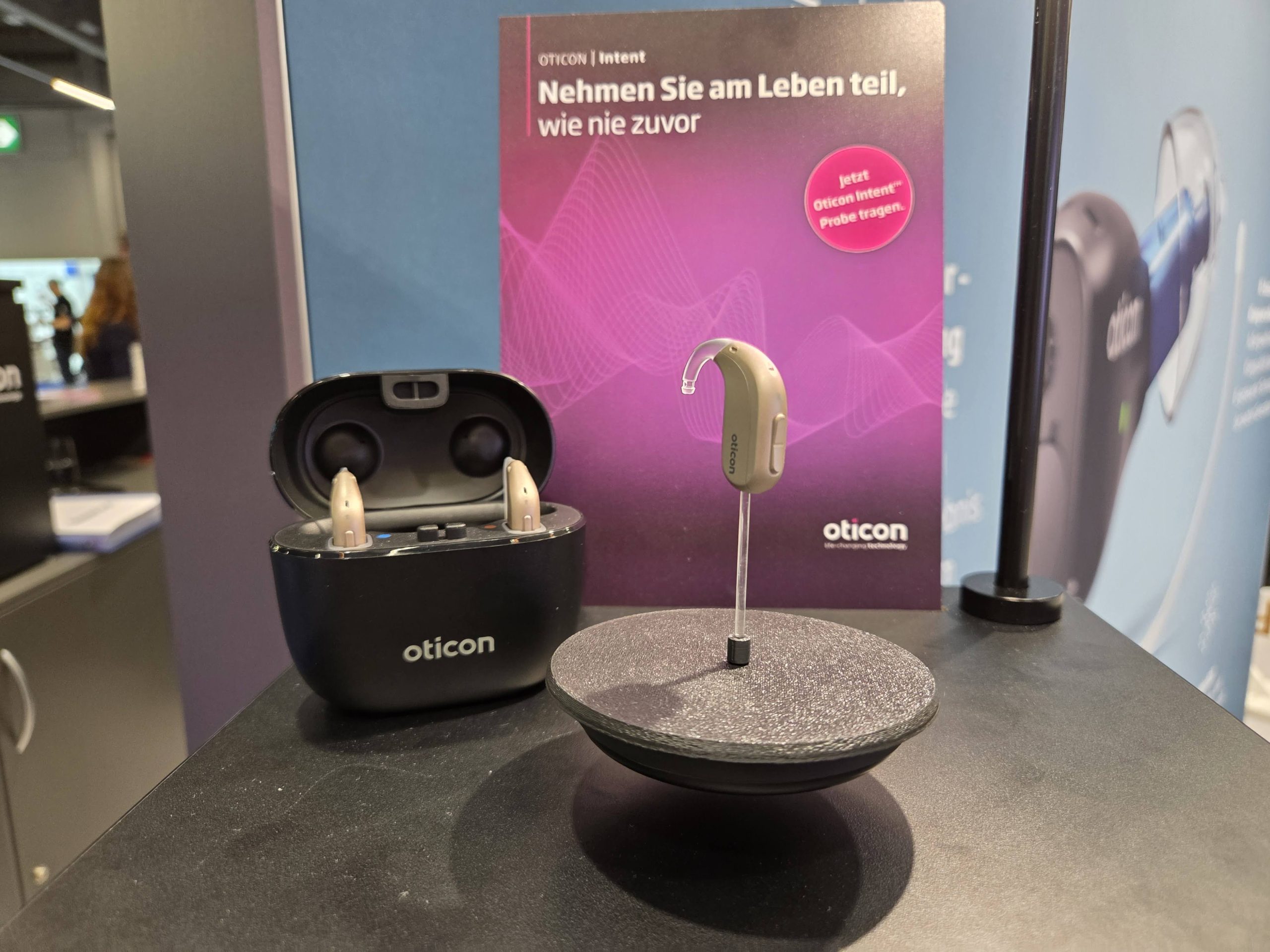
At the moment, three of the five major hearing aid manufacturers have embraced Auracast: GN, Oticon, and Starkey. As they release new hearing aids, the range will continue to increase.
Other hearing aid manufacturers may have Auracast capabilities in some of their hearing aids, but have not enabled it. To do this, they will need to release a firmware update. Your audiologist may be able to help or you may be able to do this via the hearing aids’ mobile phone app.
There are two different terms that are used:
Auracast ready
If you buy a hearing aid, headphones, earbuds and it says it is Auracast ready, it means it will need that firmware update for the Auracast to be switched on.
The hardware in the device uses Bluetooth LE Audio, but it is inactive.
It is possible that the manufacturer may never switch it on, instead saving Auracast for future device launches.
Auracast enabled
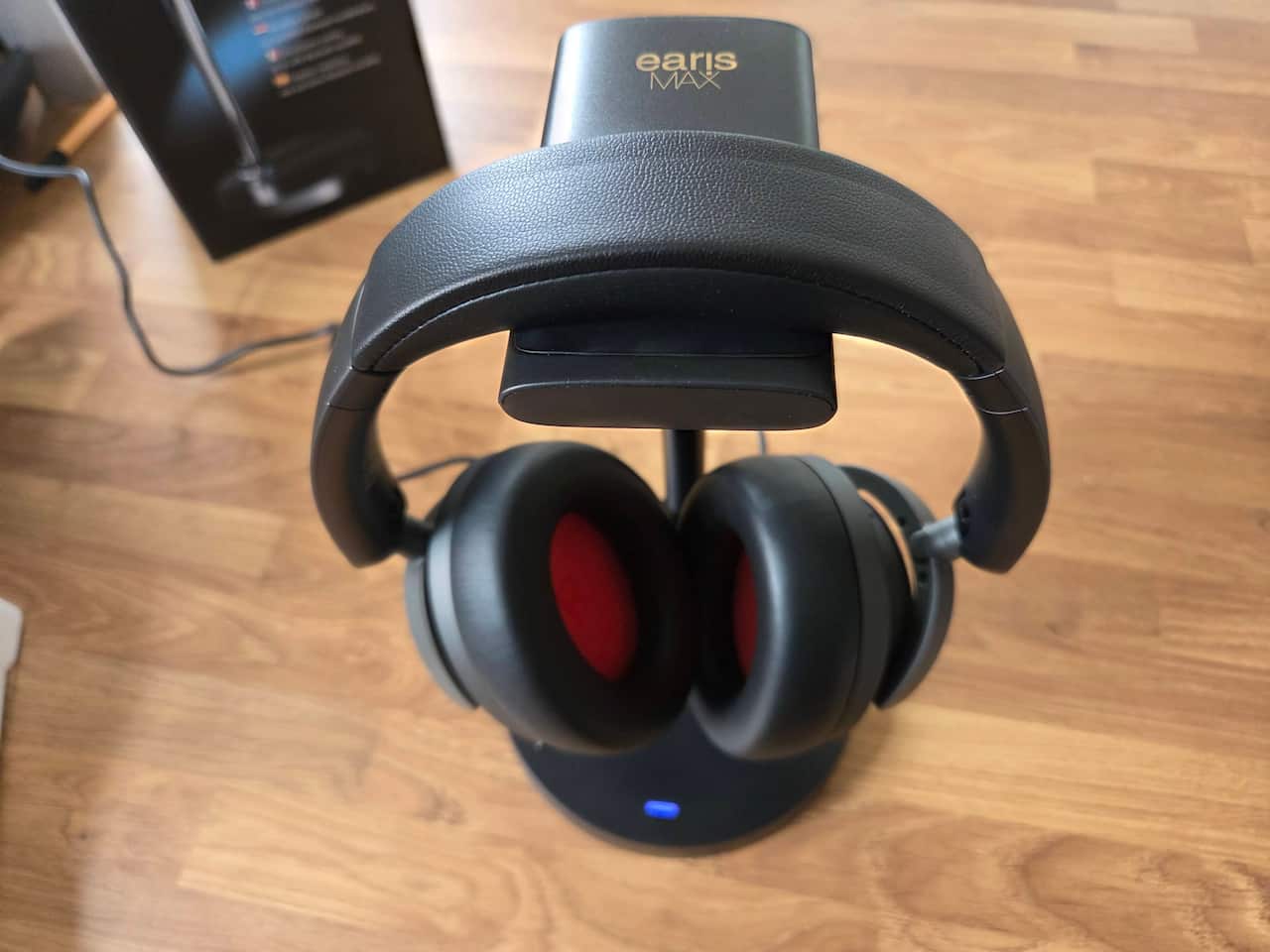
This means that the device you buy has Auracast capabilities straight out of the box. You don’t need to worry if you can pick up Auracasts in a venue: you just need to ensure that you have access to an Auracast Assistant app that is paired to your hearing aid or headphones.
Of the two terms, we recommend Auracast enabled as you will be able to use Auracast straight away.
We have a list of Auracast-enabled hearing aids here. It is regularly updated as new devices are launched.
How can I be sure my device is Auracast compatible?
To be certain a device will work, you should look for Bluetooth 5.2 or higher. While version 5.2 introduced the framework, versions 5.3 and 5.4 are where Auracast support became robust. Auracast 6.0 chips are also appearing, notably in iPhones.
But having the right Bluetooth version isn’t enough; the manufacturer must also support the LE Audio profile.
Many older phones have the hardware but lack the software ‘handshake’ to enable broadcasting.
Does my mobile phone have Auracast?
Possibly! Generally speaking, if you have an Android phone with Android version 16 you should have Auracast capabilities. Notably, Pixel 9 and 10 – but not the 9a and 10a series.
Samsung has also jumped on board in a big way, and has Auracast as standard in many of its devices under Audio Sharing.
For iPhones, Apple has yet to announce native support, but it is possible to use Auracast via apps such as those for hearing aids or headphones. Checking for “MFi” (Made for iPhone) hearing aid support alongside LE Audio is essential.
But even if your phone isn’t Auracast-enabled you may still be able to connect to an Auracast if the app for your hearing aids or headphones includes an Auracast Assistant. This means iPhone users with, say, Starkey hearing aids, will still be able to connect to an Auracast.
You can connect to an Auracast via QR codes
Another key symbol is the QR Code.
Venues that support Auracast will often display a sticker or a digital screen with a QR code.
Scanning this code with your mobile phone’s camera and then clicking on the link it provides is the fastest way to join a broadcast without digging through your Bluetooth settings.
If you see a blue-and-white sticker with the Auracast logo near a TV or a theatre entrance, it means the venue is broadcasting.
You can connect to an Auracast via NFC
NFC (Near Field Contact) is a lesser-used way to connect to an Auracast, but it may become more common in the future.
The Auracast Assistant needs to be placed next to the NFC transmitter, and it will connect the listening device to the transmitter.
We have not used this yet, but for many this will be the easiest
Compatible with Auracast
Finally, be wary of ‘proprietary’ broadcast systems.
Some brands still use their own closed-loop systems that only work with their specific headphones. True Auracast is an open standard.
If the box says “Compatible with Auracast”, it will work with any Auracast transmitter, regardless of whether it’s made by Sony, Samsung, or a niche hearing aid brand.
Always look for the official Auracast logo to ensure you aren’t being locked into a single manufacturer’s ecosystem.
Aurahear in your inbox!









Leave a comment