

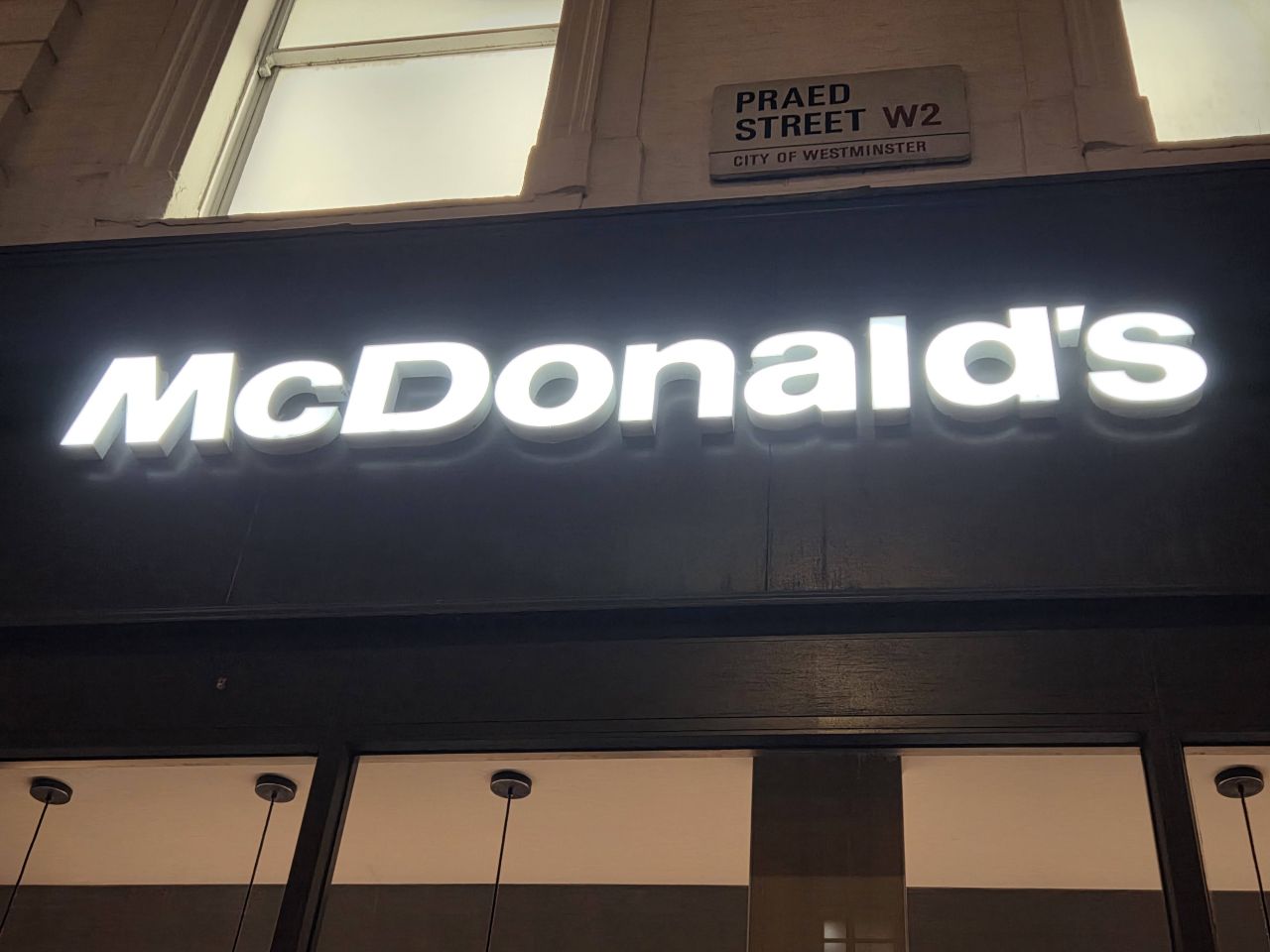
McDonald’s needs to install Auracast. If ever there was a pressing use case for the Bluetooth LE Audio tech, this is it.
Here’s why.
It was a busy Saturday night, and the branch near Paddington Station was full to bursting.

This Maccy’s on Praed Street is rather unusual for a high-street branch in that it is takeaway-only. There are a few of these across London, as opposed to the majority of branches where you dine in.
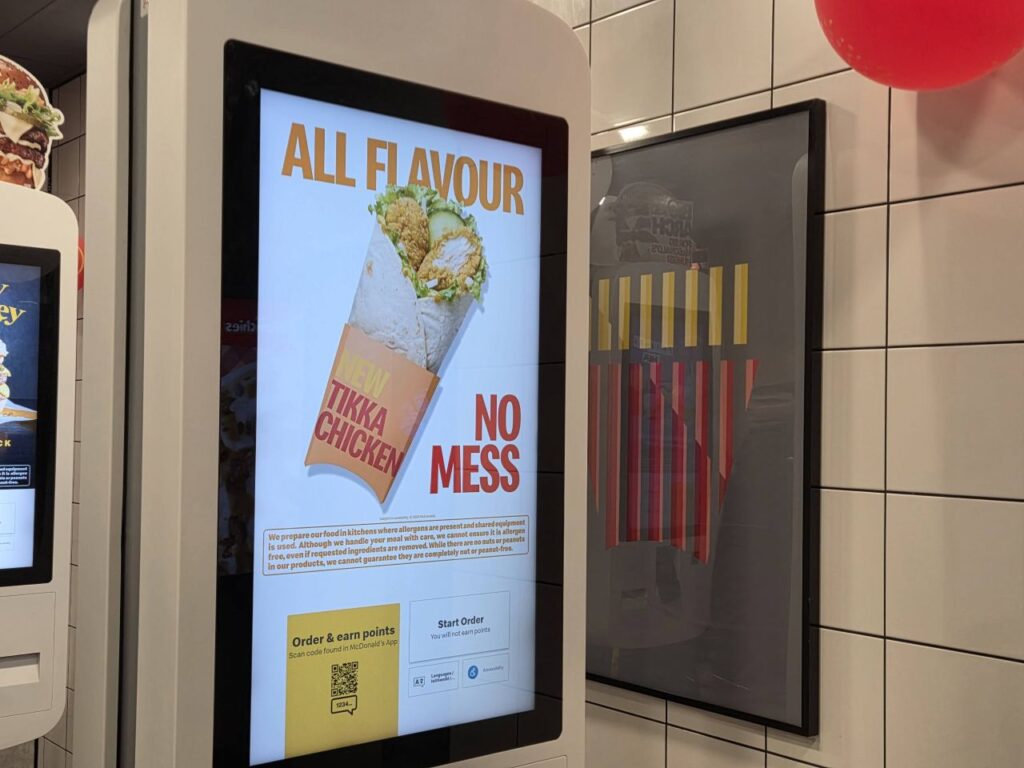
But in all stores, you order from the screens, then wait at the counter.
Screens have been among the best inventions for people with hearing impairments who find interacting with staff difficult. Especially if you need to customise your order. Especially if that customisation involves removing the pickles. Yuk!
How people can eat the slimy green nightmares I’ve no idea.
These screens were introduced in 2015, with a Liverpool branch among the first to adopt them. Now we take them for granted, and most stores have been remodelled so customers have to walk past the screens to order from the counter.
The big advantage of the screens is how they let people order from McDonald’s their way, be it in their own language, by creating their own meal combination, choosing condiments, drinks, and, of course, customising it. No one can shame me for wanting extra lettuce and NO PICKLES.
It’s easy, and then you pay.
In restaurants where you dine, you can pick a number and place it on your table, and the meal.is brought to you.
You can also use the app at your table, and food is brought to you.
But Praed Street doesn’t have that option. It is simply a place where you order from the screens and then collect food from the counter.
You pay, and hope you get a receipt with your order number on.
A lot of the time, the printers aren’t working or have run out of paper, so you have to memorise your number, or get a snap of the screen using your phone’s camera before moving to the serving hatch to collect your meal.
From the high-tech to low-tech: the McDonald’s problem
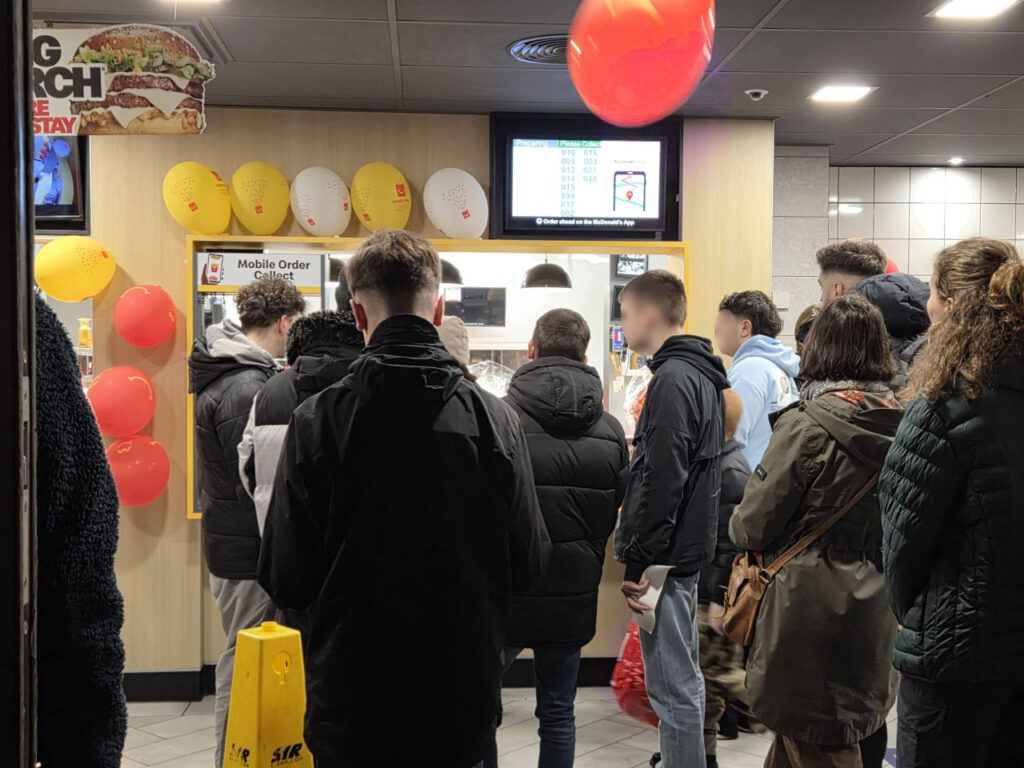
The Saturday I visited, something had gone wrong in the kitchen and around 50 orders had backed up, meaning there was a vast swathe of hungry customers hovering around every nook and cranny in the small space. All waiting. And waiting. And waiting.
It’s a far cry from the late 1980s when McDonald’s ran a promotion where if your meal was not ready within three minutes, you got it free. It was a very happy day for this schoolboy when they failed, and I walked out with a meal on the house, saving me the grand total of £2.49.
Back to the present. A cramped restaurant where people were waiting … and waiting. That meant a lot of people growing ever more impatient for the food they were about to receive: judging by the numbers going to the counter and asking where their order was, they were not truly thankful for the wait, that’s for sure.
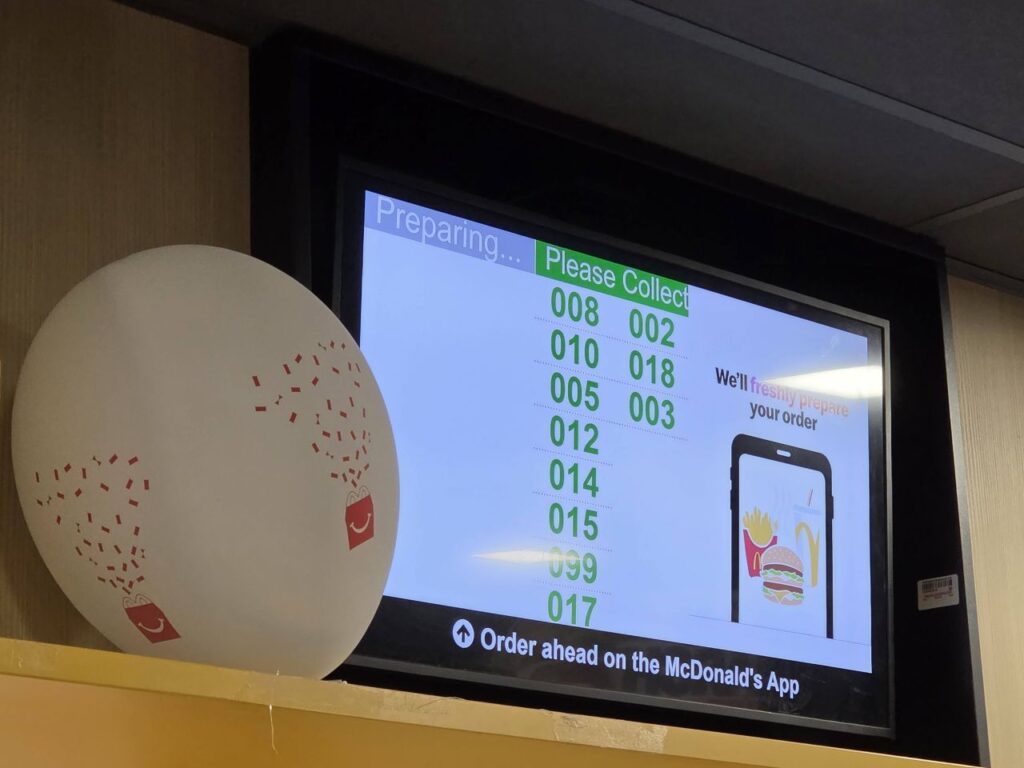
The monitor screen showing which orders were being made was only being updated sporadically, so information on how the kitchen was doing was scarce.
How do you know if your order is ready? McDonald’s staff shout the number when it’s bagged up and ready to go. And there is the problem…. If you can’t hear well in a noisy environment, you are totally stuffed. Did they say three or four? Twenty-three or twenty-six? It’s hard work at the best of times, let alone in an overpopulated environment.
The machines give no option to ask for help. You might be able to order in different languages, but asking for accessibility support is not an option. Or if it is, it is so well hidden that it might as well be invisible.
How do I cope with McDonald’s ordering system when I can’t hear the numbers being called?
Just as a lot of hard-of-hearing and deaf people have coping mechanisms for conversations in noisy rooms – nodding, and showing empathy even when you have no idea what they are saying – there are mechanisms to help with Maccys arcane ordering system.
The easiest way is to hover close to the front, with the numbering screen visible and the counter staff just about within earshot.
But my best solution has been to order something distinctive, such as a random small McFlurry so I have a visual cue that my meal is ready.
It really shouldn’t be like this.
So why does McDonald’s need Auracast – and what problem does it solve?
Auracast is a great solution here. It could be a reasonably low-cost one, too.
If staff spoke the numbers into a public address system, that doesn’t solve the problem of hearing when you are being called. After all, it’s more noise in a noisy place.
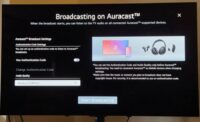
But if staff speak into an Auracast-enabled microphone, customers can tune in to that Auracast broadcast and hear their number being called. Easy and simple.
This is not an environment that would be easy to install a loop system in, and maintaining it in a constantly busy area would make it difficult to keep the Telecoil operational. But Auracast? One handheld microphone, such as the EARISMax or the MultiMic+, is all that’s needed – at a very basic level.

If the company went down the route of installing a desk microphone and speakers, well, it could easily be adapted to include an Auracast transmitter.
A QR code could be printed on receipts or on screens so people can scan to join the broadcast, or posters could be placed around the store.
It’s simple and takes away the stress of the wait.
It’s also a very practical application for Auracast, showing how this tech can be transformative in everyday life – so come on McDonald’s, let’s make every meal a happy meal for all your customers.

Aurahear in your inbox!










Really enjoyed this one — such a practical example of how accessibility can move beyond compliance and into everyday convenience.
Noisy quick-service restaurants are a perfect test case.
If any McDonald’s location wants to explore a small pilot, we’d love to help support the first implementation. (avantree.com)
Thanks again for pushing the conversation forward.