

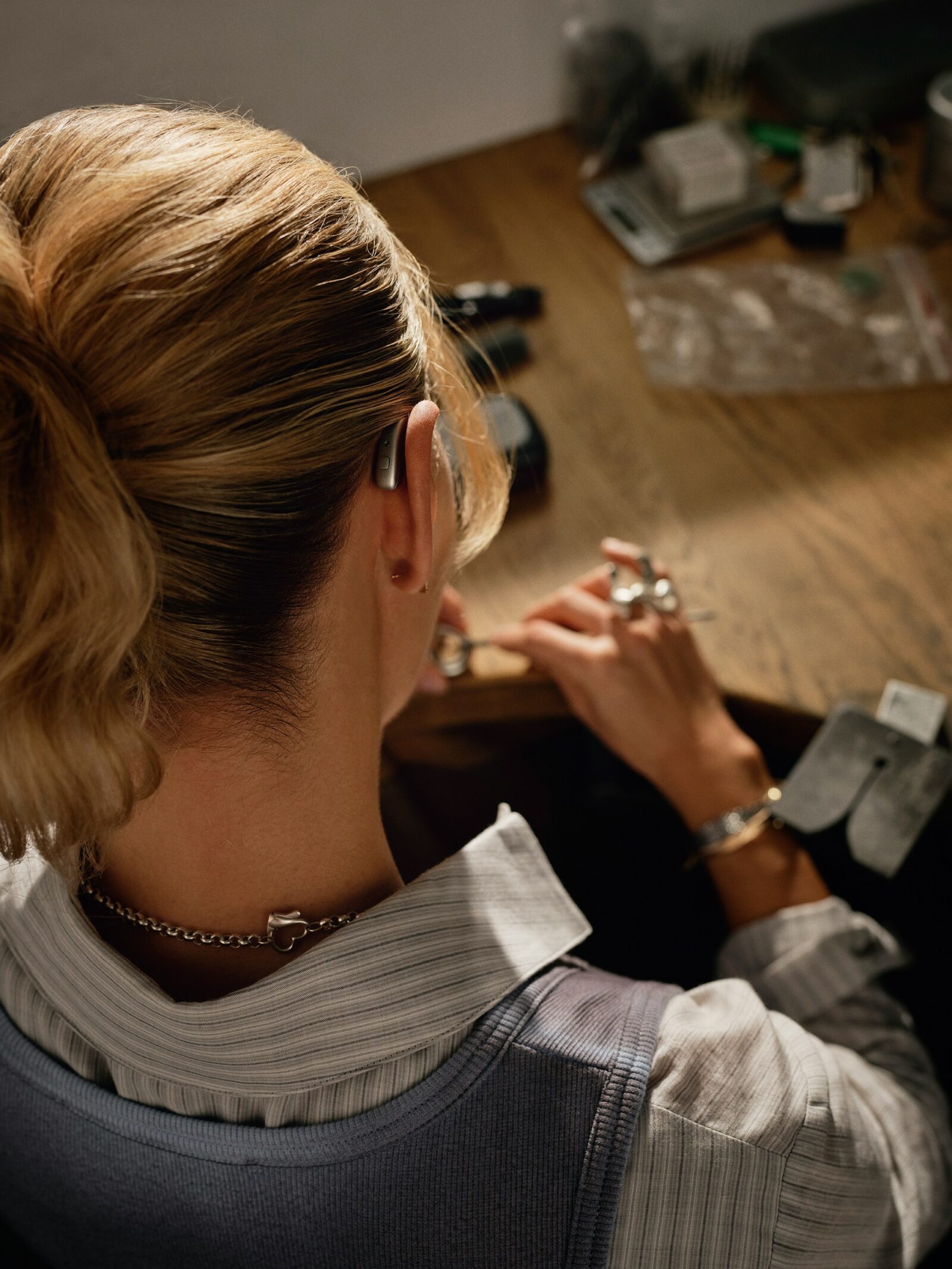
As the hearing industry transitions to Bluetooth LE Audio, you will increasingly see the terms “Auracast-ready” and “Auracast-enabled” on manufacturer specification sheets.
While they sound similar, the distinction is critical for setting patient expectations – especially those who want to start using Auracast in their daily lives.
As an audiologist, explaining this difference helps ensure your patients understand exactly what their new devices can do on day one versus what they might be able to do in the future – and avoid upset patients who expected their new hearing aids to be something they are not.

We have seen numerous comments on forums and Facebook groups from people who have bought new hearing aids expecting them to work with Auracast installations, only to find they don’t. They are upset and, in some cases, angry that their new hearing aids do not work as they intended.
Auracast Ready: The ‘future-proof’ hardware
If a hearing aid is described as Auracast-ready (or ‘capable’), it means the device has the necessary internal hardware – specifically the Bluetooth LE Audio chip – but the functionality is not yet active.
- Why is it inactive? Manufacturers are waiting for broader infrastructure rollout or for final software testing before flipping the switch.
- The Upgrade Path: These devices will typically require a firmware update via the clinic’s fitting software or a ‘self-service’ update through the patient’s smartphone app to become fully functional.
One problem with this approach is informing clients that a firmware update is available, especially if they don’t use the hearing aid app on their phone.
It is also possible that manufacturers will decide not to implement the firmware update in a model, instead skipping it in favour of selling a new model.
Phonak published a blog last year saying why they won’t activate Auracast just yet. We disagree with their stance, and set out the reasons why here.
Auracast Enabled: Ready for the real world
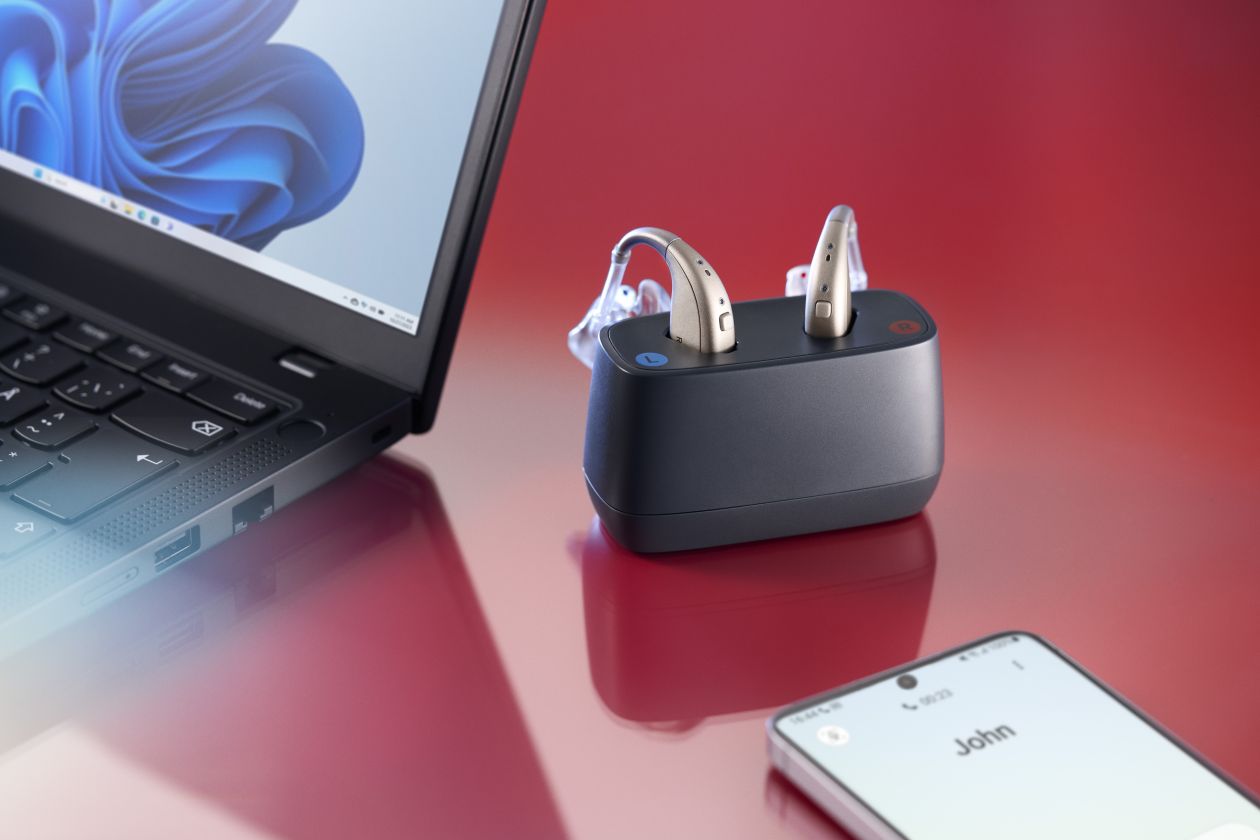
An Auracast-enabled device has both the hardware and the software active from the moment it is fitted.
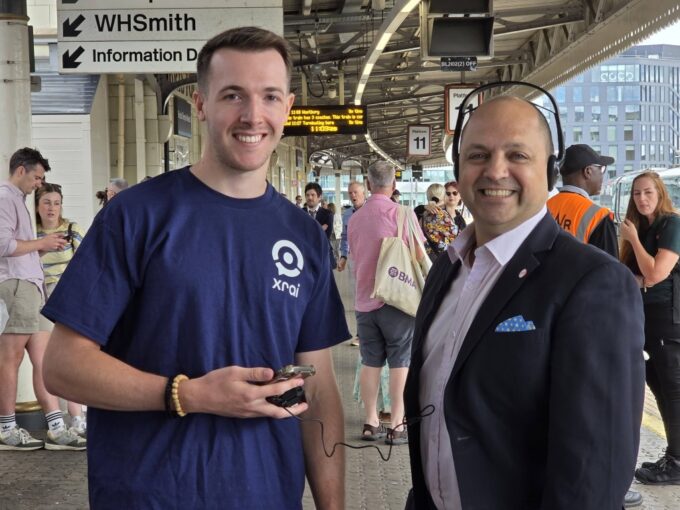
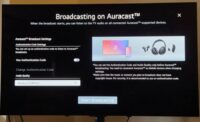
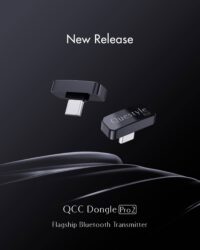
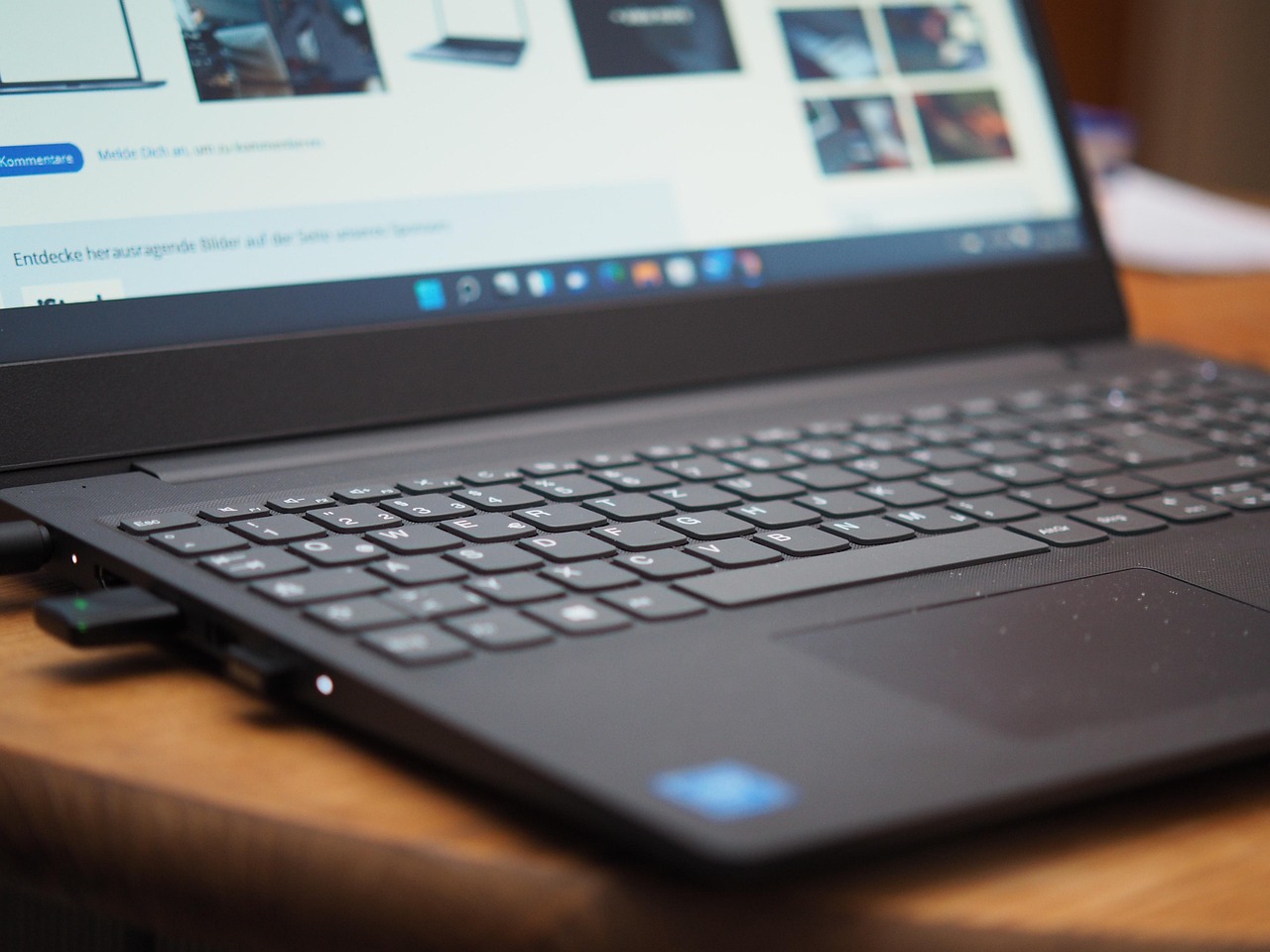
Your patient can walk out of your clinic and immediately join a broadcast in a compatible venue, such as an airport gate or a theatre that has already upgraded its systems. They will be able to stream audio from their computer or a TV streamer.
And they can enjoy an Auracast from microphones such as GN’s Multi-Mic+
We think it is better for clients if their hearing aids are Auracast-enabled from day one, so they can take advantage of the world opening up around them.
Make sure you check for firmware updates when fitting and fine-tuning
When fitting a patient today, always check the manufacturer’s technical bulletins to see if Auracast Ready models are becoming Enabled via software patches.
Transparency about this timeline builds trust and prevents the “my Bluetooth doesn’t work” phone call when they try to join their first public broadcast.
And check that clients know how to use an Auracast Assistant on their phone app
We have seen comments from people who did not know what their hearing aids were capable of, how their phone app worked, and if they had access to any assistive listening technologies. Some said their audiologists hadn’t explained this to them, while others had received an explanation but couldn’t remember and didn’t want to go back and ask.
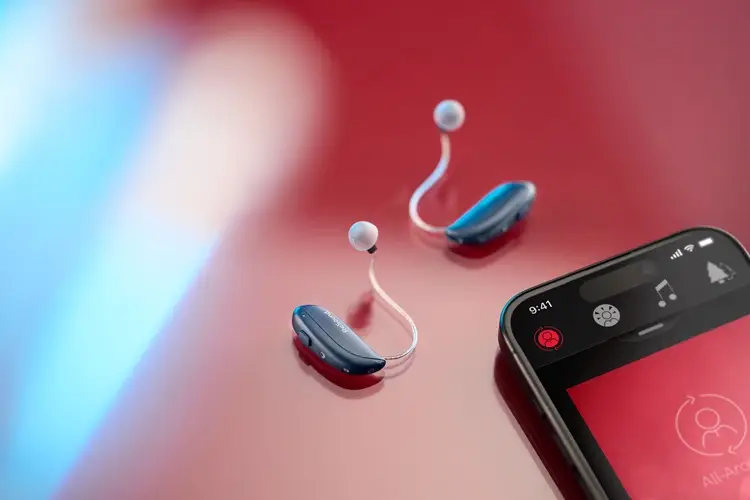
Showing your clients how to use the Auracast Assistant in the app – and letting them hear Auracast while in your clinic – will help them to understand what their new hearing aids are capable of.
Letting them play with the app while you are with them, getting them to find an Auracast, connect to it and then disconnect, will give them confidence about the new technology.

Aurahear in your inbox!











Leave a comment